Tag: desktop apps

WhatsApp and Signal are bringing forth desktop video calling

Articles
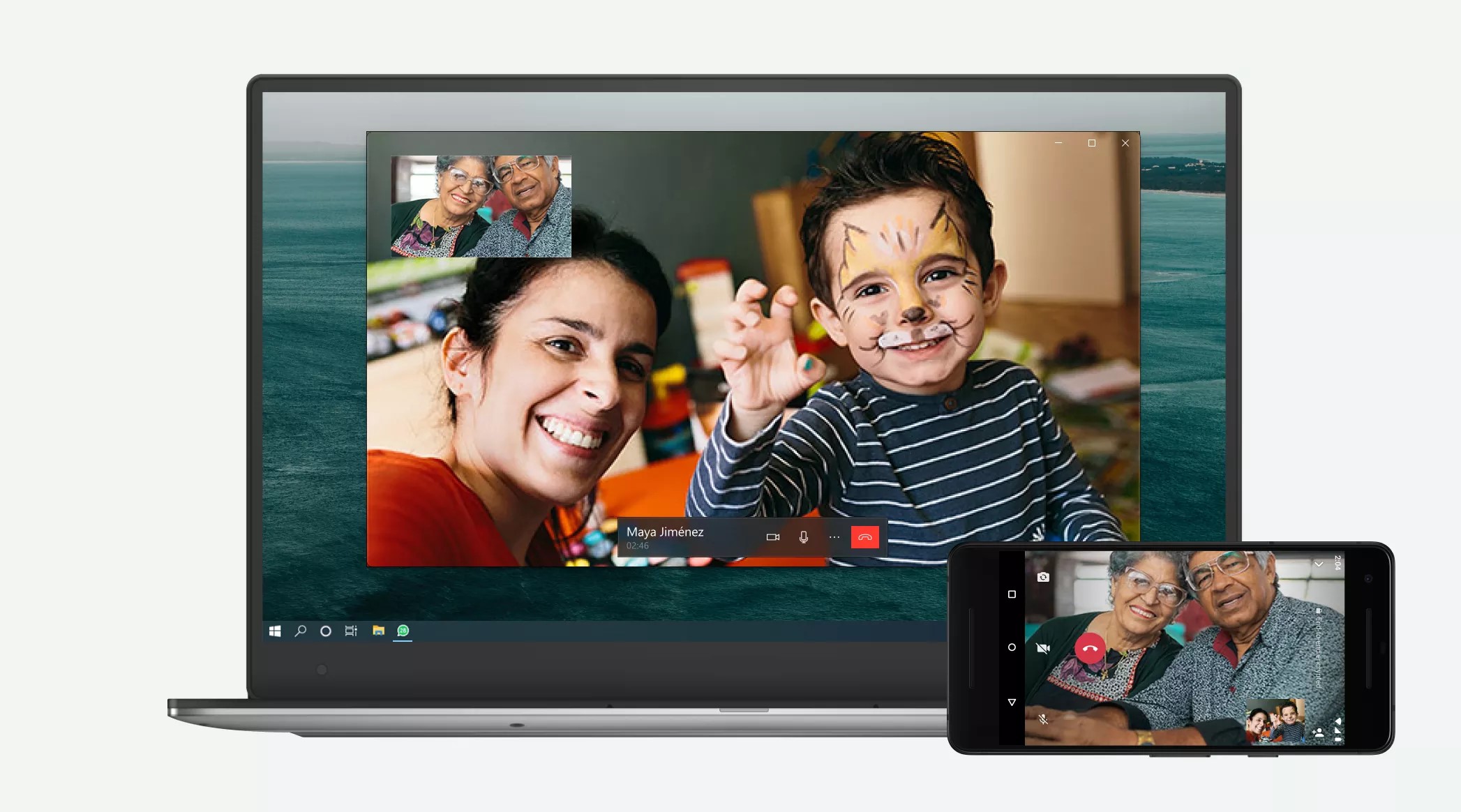
WhatsApp desktop with videoconference support press image courtesy of WhatsApp

WhatsApp now does one-to-one video videocalls on the desktop

How to Make WhatsApp Voice and Video Calls on Desktop (lifehacker.com.au)

From the borse’s mouth

WhatsApp

Introducing private and secure calling from the desktop – WhatsApp Blog

Signal

A new platform is calling: Help us test one-to-one voice and video conversations on Signal Desktop (Blog Post from Signal)

My Comments

Signal desktop one-on-one videoconferencing press picture courtesy of the Signal Foundation

… as does Signal

WhatsApp and Signal, both messaging and calling systems that implement end-to-end encryption, are dependent on a primary client which is the user’s smartphone. But both platforms also implement secondary software native to most desktop operating systems so that users can interact with these platforms on their regular computer.

But the desktop programs for these services are dependent on the primary smartphone which has the user’s mobile number and encryption keys to work properly. The software was initially set up for personal and group chat abilities only but has now been “built out” to support one-on-one audio and video calls using the desktop client software.
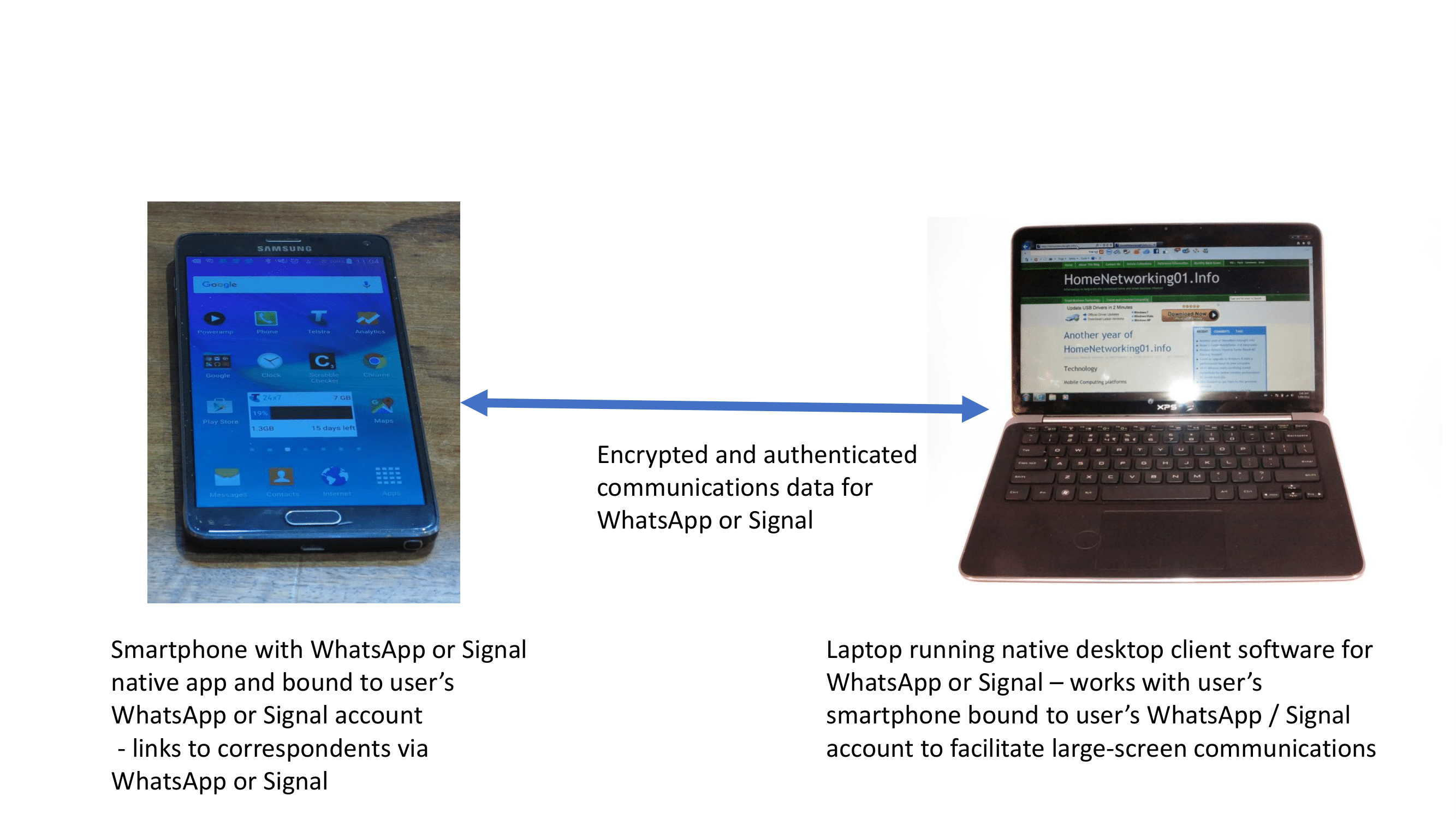
WhatsApp and Signal's relationship with their desktop clients

How WhatsApp and Signal work with their desktop client software

Some users prefer to use a desktop or laptop computer to make or take videocalls due to the larger screen these devices offer. As well, there is an increasing number of Windows-powered 2-in-1 convertibles that can easily answer this need.

What has now happened for WhatsApp and Signal is that the latest versions of their desktop client software is now supporting voice and video calling. At the moment, this will support one-on-one voice and videocalling.

Signal have even worked on the WebRTC real-time-communications protocol and contributed their improvements to the source code for that protocol. This is to make things work smoothly for one-user many-device operation, something that could apply to a lot of videocall apps based on this technology.

Both companies will need to work towards supporting group videocalls on their desktop software as well as on the primary mobile devices. This is more so as the desktop computing environment shows appeal towards multiparty videocalls.

As well, the WhatsApp and Signal efforts are about implementing voice and videocalls in a multiple-device sense where there is a primary device operated by the user. This may legitimise other similar use cases like automotive or group-videophone (connected-TV / set-top device) use cases.
What do I mean by a native client for an online service?

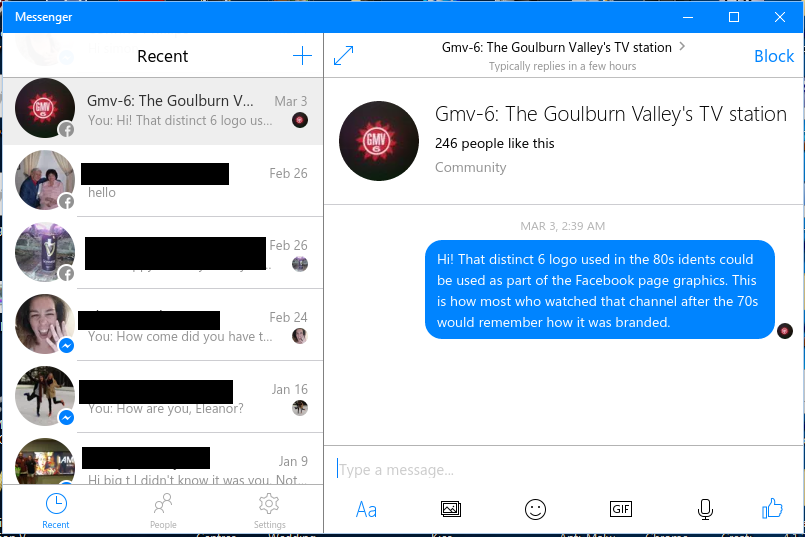
Facebook Messenger Windows 10 native client

Facebook Messenger – now native on Windows 10

With the increasing number of online services including cloud and “as-a-service” computing arrangements, there has to be a way for users to gain access to these services.

Previously, the common way was to use a Web-based user interface where the user has to run a Web browser to gain access to the online service. The user will see the Web browser’s interface elements, also known as “chrome” as part of the user experience. This used to be very limiting when it came to functionality but various revisions have allowed for a similar kind of functionality to regular apps.

Dropbox native client view for Windows 8 Desktop

Dropbox native client view for Windows 8 Desktop- taking advantage of what Windows Explorer offers

A variant on this theme is a “Web app” which provides a user interface without the Web browser’s interface elements. But the Web browser works as an interpreter between the online service and the user interface although the user doesn’t see it as that. It is appealing as an approach to writing online service clients due to the idea of “write once run anywhere”.

Another common approach is to write an app that is native to a particular computing platform and operating system. These apps, which I describe as “native clients” are totally optimised in performance and functionality for that computing platform. This is because there isn’t the need for overhead associated with a Web browser needing to interpret code associated with a Web page. As well, the software developer can take advantage of what the computing platform and operating system offers even before the Web browser developers build support for the function in to their products.

There are some good examples of online-service native clients having an advantage over Web apps or Web pages. One of these is messaging and communications software. Here, a user may want to use an instant-messaging program to communicate with their friends or colleagues while using graphics software or games which place demands on the computer. Here, a native instant-messaging client can run alongside the high-demand program without the overhead associated with a Web browser.

The same situation can apply to online games where players can see a perceived improvement in their performance. As well, it is easier for the software developer to write them to take advantage of higher-performance processing silicon. It includes designing an online game for a portable computing platform that optimises itself for either external power or battery power.

This brings me to native-client apps that are designed for a particular computing platform from the outset. One key application is to provide a user interface that is optimised for “lean-hack” operation, something that is demanded of anything that is about TV and video content. The goal often is to support a large screen viewed at a distance along with the user navigating the interface using a remote control that has a D-pad and, perhaps a numeric keypad. The remote control describes the primary kind of user interface that most smart TVs and set-top boxes offer.

Another example is software that is written to work with online file-storage services. Here, a native client for these services can be written to expose your files at the online file-storage service as if it is another file collection similar to your computer’s hard disk or removeable medium.

Let’s not forget that native-client apps can be designed to make best use of application-specific peripherals due to them directly working with the operating system. This can work well with setups that demand the use of application-specific peripherals, including the so-called “app-cessory” setups for various devices.

When an online platform is being developed, the client software developers shouldn’t forget the idea of creating native client software that works tightly with the host computer platform.