Tag: mobile broadband modem

Using USB or Wi-Fi to tether your laptop to your smartphone–which is better

Article

Sony VAIO Fit 13a convertible Ultrabook at Rydges Hotel Melbourne

You can use USB or Wi-Fi to tether your laptop like this Sony VAIO to your smartphone for Internet access with Android making it easier

USB vs WiFi – Tethering 4G Broadband to a Laptop via Android Phones – ISPreview UK

My Comments

You may be having to “tether” your laptop to your smartphone in order to gain access to the Internet. This can be done using a USB cable or wirelessly mostly using your phone as a Wi-Fi mobile-broadband router.

Android users can do this without the need to load additional software on their computer while iOS users may need to run iTunes if they wish to use a USB cable. As well, US-based users may have to have their mobile telco enable tethering and Wi-Fi hotspot use on their smartphone, with these companies likely to charge an extra fee for this service.

An ISPReview article did a comparison test on the performance of a USB-based tether setup compared with a Wi-Fi-based setup using the same late-model Android smartphone (running Android 10) and Windows laptop. The phone was set up with a 4G mobile broadband connection offered by Three UK that is typical of a UK mobile broadband service. Here, the setup was in the same urban area and using the same cell (mobile base station) for the tests.

As well, for each setup, there were two separate tests performed on different days with the results recorded in the article. This catered for different load factors that the Three UK network or the particular cell may be experiencing during the tests.

It was found that both the USB and Wi-Fi connection setups were on a par with each other. This was catering to the situation that the bandwidth offered by the mobile broadband service may not be great especially if you are dealing with 4G broadband.

But the article alluded to users having situation-specific needs for using particular connection types such as preferring to use USB for security, simple setup or where a lot of Wi-Fi connections could compromise performance. On the other hand, it may be about providing Internet to a device that doesn’t support USB-modem / USB-tethering connectivity but has Wi-Fi like a tablet; or creating a mobile local network using your phone.

Here, I would support these kind of setups if you are intending to purpose your smartphone for use as a modem and are not likely to be making or taking many calls with it. This is because you may find that a call may encumber your phone’s use as a modem especially if you like to walk about during that call.

As well, I wouldn’t expect good performance out of a tethered-smartphone setup if you are on a busy commuter train or bus. This is due to the increased competition for bandwidth from the various base stations serving the train’s or bus’s route as many people use their mobile devices while riding this route. This statement would also apply to use of mobile broadband in a rural area where the mobile base stations would be equipped with older technology.

Should I buy a laptop with integral mobile-broadband modem?

Article

Snapdragon smartphone electronics in 2-in-1 laptop press picture courtesy of Qualcomn

Is it worth it to consider integrated mobile-broadband modems in your next laptop purchase

Why you might (and might not) want a PC with LTE | Windows Central

My Comments

A trend that will be affecting portable computers will be the rise of laptops and notebooks that are equipped with an integrated mobile-broadband modem.

Previously this was a feature associated with premium business-grade laptops as an extra-cost option, but this is being encouraged as a product differentiator for a larger range of portable computers targeted at consumers and small businesses. The key feature callout will be that the computer is equipped with LTE connectivity and this feature has been brought along thanks to Windows 10 and the “Always Connected PC” vision.

Initially such computers will authenticate to the mobile network with a standard SIM card installed in a reader somewhere on the computer’s chassis. But newer designs will move towards an eSIM module integrated in the computer which provides for “over-the-air” provisioning by the telco or their agent.

Why this trend?
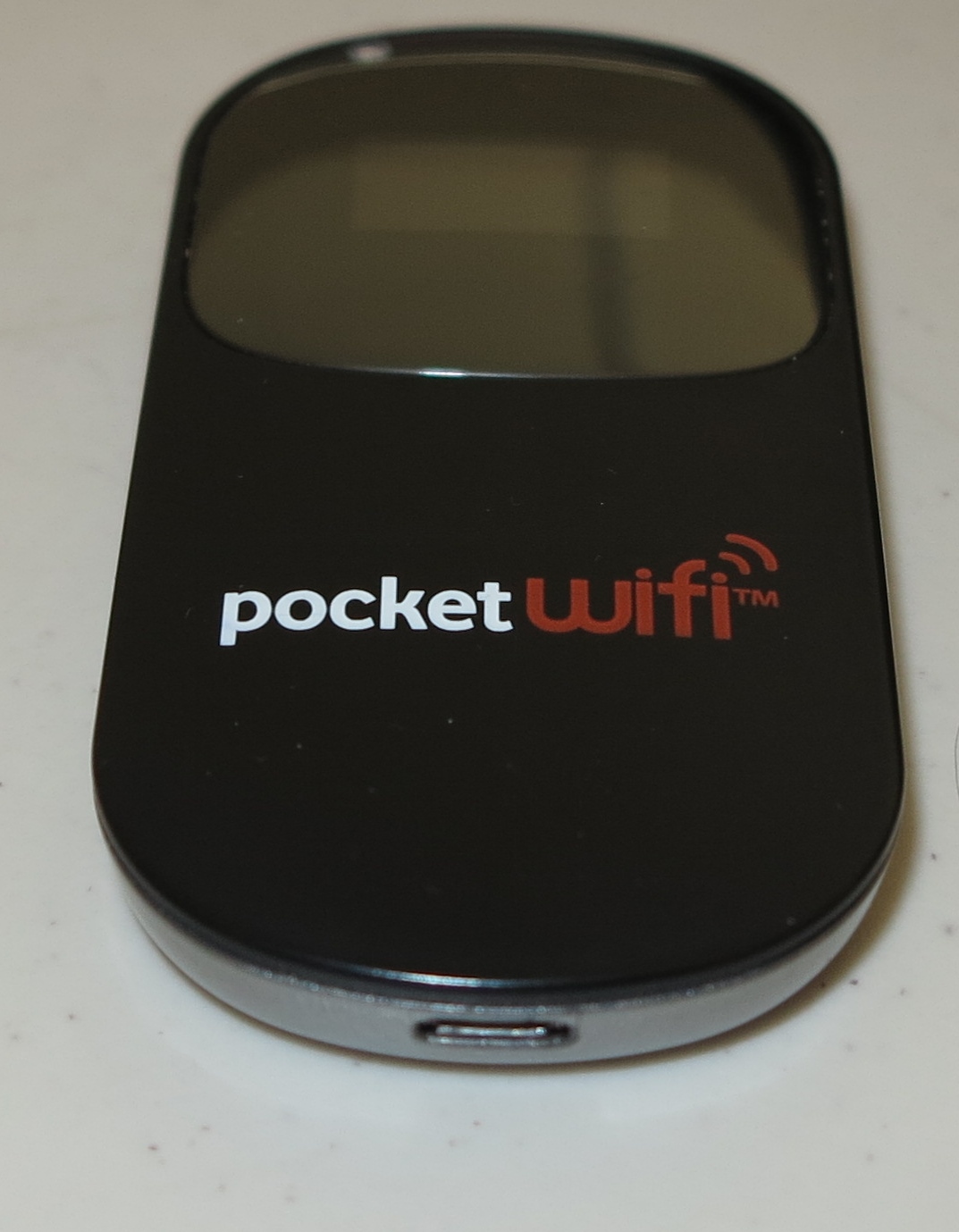
"Mi-Fi" portable wireless router

No need to use a Mi-Fi to obtain Internet on the road with your laptop if you have an integrated mobile-broadband modem but some situations may be better served with these devices

There is the feasibility of a secure connection anywhere within reach of mobile networks. It is something you may not benefit from when using a lot of legacy-configured public-access Wi-Fi networks.

As well, you avoid the need to set up Wi-Fi or USB tethering on your smartphone or tablet, or to use a “Mi-Fi” mobile-broadband router. Similarly, you shouldn’t need to worry about draining your battery in your “Mi-Fi” router or smartphone to keep the connection alive.

You also benefit from a faster link between the modem and the computer which is important for setups implementing LTE, because a lot of USB mobile-broadband modems don’t implement the newer variants of the USB standard. There is also the fact that an integral mobile-broadband modem design allows for a larger mobile-broadband antenna to be integrated in the laptop computer, rather than having to design a small mobile-broadband antenna to keep a relatively-compact product design for that “Mi-Fi”, USB modem stick or smartphone.

The laptop’s battery shouldn’t be affected in this case thanks to Windows 10 implementing “data-saver” and battery-management logic. There is also the fact that Windows 10 will implement a class driver and authentication software within the operating system’s code so you don’t need to run any extra software to get on board with mobile broadband.

There are some disadvantages with this approach

One of these is that the host computer may be fixed with the “current” technology and may not be able to take advantages of newer technologies or wavebands that the telco you subscribe to offers.

This can be an issue with the pending 5G mobile-broadband standards or Australian telcos like Telstra exploiting lower wavebands in the mobile spectrum with the goal to assure greater coverage in Australia’s larger rural areas but yield high data throughput. But if the mobile-broadband modem operates on a “software-defined” approach where it can work with extra subsequently-available firmware that can adapt to these situations, it may not be an issue.

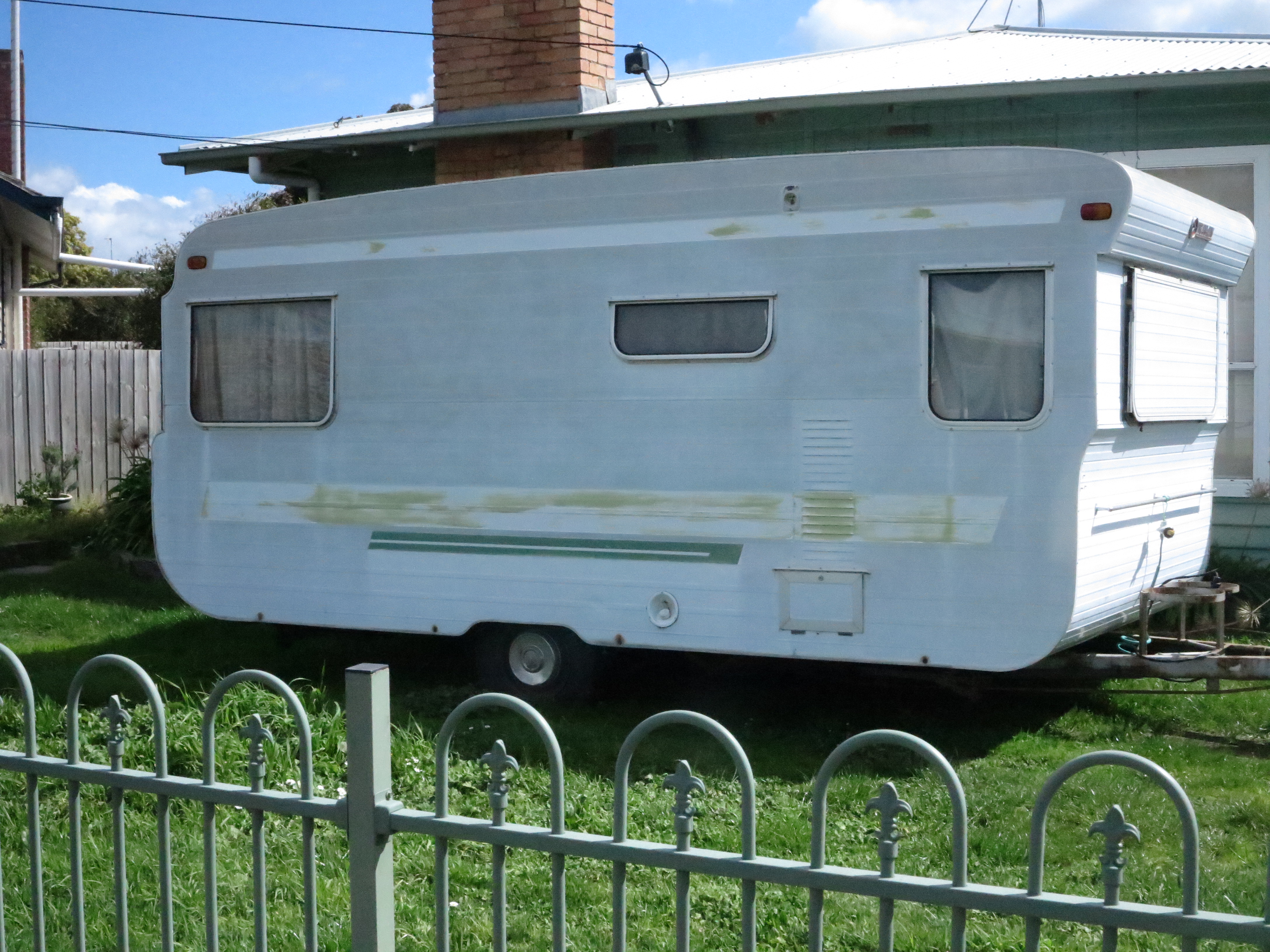
Old caravan outside a house

They may not work optimumly in one of these metal-clad caravans

Another factor is the integrated-modem approach may not work properly in some usage scenarios where you have a strong signal in certain areas but a weak signal in other areas. This can be of concern for those of us who want to use our computing equipment in a post-1950s caravan or a campervan / motorhome with the vehicle’s housing being predominantly metal which can reduce radio throughput.

In these situations, you may have to use a USB modem on a long USB cable run or use a “Mi-Fi” router with some situations calling for the “two-piece” approach put forward by Solwise.

Another situation you may need to think of is whether you are intending to use multiple mobile devices on the road with the one mobile-hroadband service. Here, you may find that a “Mi-Fi” router set up as the hub of a mobile local-area network may be a better answer to your needs. This is more so if you are running many devices like mobile NAS units, Wi-Fi-capable mobile printers or Wi-Fi-capable digital cameras along with tablets that may not be equipped with mobile broadband.

Of course you will need to use a pre-paid or post-paid mobile broadband service that is provisioned in a manner compatible with your computer. In these cases, such services would be offered as a “SIM-only” or “existing-device” package where you aren’t buying a device under any form of subsidy.

Telcos can easily answer this through the provision of starter prepaid plans offered as part of the package when you buy your computer or by allowing the Windows Store that is part of Windows 10 to work as their agent. Of course you can front up to their bricks-and-mortar outlet to buy a “SIM-only” or “existing-device” prepaid plan for your computer.

On the other hand, most of the telcos will allow you to annex your new integrated modem to your post-paid mobile plan. This will be an important approach for those telcos who are offering a “shared-data” or “family” plan or underscore value for money with these plans.

What to look for
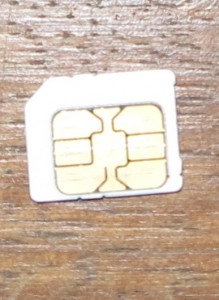
SIM card

Make sure that the SIM card fits your mobile-broadband-equipped laptop or that your service provider supports an eSIM for suitably-equipped laptops

You may have to be sure that your mobile-broadband-equipped laptop is able to connect with the mobile-broadband service that you want to use. Firstly you will have to pay attention to whatever SIM type your computer uses for authentication to the service that you choose.  That will be the kind of information you will have to supply to your mobile-broadband carrier when you are buying mobile-broadband service, or wish to buy other mobile-broadband devices which are “SIM-compatible” with your laptop with a view to moving our service amongst these devices.

As well, you would need to make sure your laptop does work “across the board” with all of the mobile-broadband services that you intend to yous. For example, if you wish to use a service like Telstra that prides itself on extensive coverage in rural areas, you may need to be sure that the mobile broadband modem can cover the lower ends of the spectrum used by this carrier. Another example would be to use it in a range of countries which work on different mobile-broadband frequencies.

People who run a post-paid mobile account should look towards being able to annex the data service used by the laptop’s integrated modem with their account. This can assure them of “many eggs in one basket” with the advantages such as paying through one bill and benefiting from deals that exploit this fact. As well, some providers may operate a deal with multiple SIMs for one number and underscore this for eSIM setups.

Conclusion

Here, it depends on your needs whether paying the extra expense for a laptop configuration with an integral mobile-broadband modem is worth it for you.

Solwise improves on their two-piece mobile router concept

Article – From the horse’s mouth

Pleasure-boats at a marina in Melbourne

4G as an externally-mountable USB modem can bring more reliable mobile broadband in to your boat for a large area of the shoreline

Solwise UK

Product List

All prices here cover the cost of the equipment and include VAT and delivery within the UK

PATRIOT tube-shaped network adaptors

PATRIOT-4G 4G/LTE USB modem (GBP£70.63)

WL-PATRIOT-USB 802.11g/n Wi-Fi USB network adaptor – 5dBi antenna  (GBP£43.81)

Panel network adaptor – highly directional

WL-USB-ODUPANEL-12DB 802.11g/n Wi-Fi USB network adaptor – 12dBi antenna (GBP£40.94)

Travel Router

WL-USBWIFIRPT-3000 USB WiFi Repeater (Travel Router with USB and Ethernet WAN) (GBP£52.98)

Previous Coverage

Solwise offers a two-piece Wi-Fi repeater for caravans and similar applications

My Comments

A use case that Solwise are continually targeting as I have covered before is to be able to bring a reliable Internet connection in to your caravan, campervan / motorhome or boat while you are on holidays or living in these vehicles.

This has been through the approach of a separate USB Wi-Fi network adaptor which can be plugged in to your regular computer and mounted outside your vehicle or craft. This is to work around a common issue with caravans and campervans where the metal housing can attenuate the RF signal necessary for the Wi-Fi connection to work and can be aggravated if you are in a campground or caravan park and are located far from the main facilities buildings where the infrastructure necessary for the venue’s public-access Wi-Fi is located.

Then there is a wireless travel router with a WAN (Internet) connection provided by a USB or Ethernet connection, working in a very similar manner to the typical “Mi-Fi” or travel router where it creates its own network for your devices. Here, you could connect up a Wi-Fi USB network adaptor such as the ones listed above or connect to an Ethernet-based setup such as what Hyperoptic is offering in a few of London’s marinas.

Let’s not forget that they are also offering a 12-volt “cigar-lighter” power adaptor as an accessory for GBP£2.84 that allows you to power the travel router and the USB modem or network adaptor from your vehicle’s or boat’s battery. They are positioning this adaptor for those of us who run our motorhomes, caravans or boats from 12 volts rather than having access to mains-voltage supply.

But Solwise have taken things further by offering a 4G/LTE USB mobile-broadband modem that can work with most of the mobile-broadband services. Compared to the typical “dongle” USB mobile-broadband modem, this device is equipped with a stronger antenna and RF front-end and is designed to be mounted outside your vehicle or craft. For boaties, it is rated at IP66 which could allow it to survive most boating use including heavier seas.

The travel router that Solwise is offering will require a firmware update available for download from their site so you can set it up as a two-piece “Mi-Fi” mobile-broadband router. This has opened up the travel router’s appeal to people living in narrowboats or travelling around in campervans or caravans and avoiding caravan parks.

The PATRIOT “tube” modems and adaptors are designed to be anchored on to the vehicle or craft using various hardware kits available through Solwise. These range from a suction-cup kit suitable for temporary installs through “jubilee clips” or hose clamps that wrap around pipes to U-bolts that can be anchored to mobile TV antenna masts.

The approach outlined here with all this equipment is that you install one of these USB modems or USB Wi-FI network adaptors on the outside of your vehicle or boat. Then you run a 5-metre USB cable to within that vehicle and connect it to the USB-equipped travel router that is listed here. The travel router will create a local network useable by many devices within the vehicle or vessel and share this using 802.11g/n or Ethernet technology.

Here, Solwise are continuing to answer the highly mobile user’s needs for a highly-reliable mobile network setup by using two pieces of equipment connected to each other rather than you buying a Mi-Fi or Wi-Fi range extender which uses its onw RF abilities and not-so-great integral antennas.