Laptop Buyer’s Guide–2016-2018
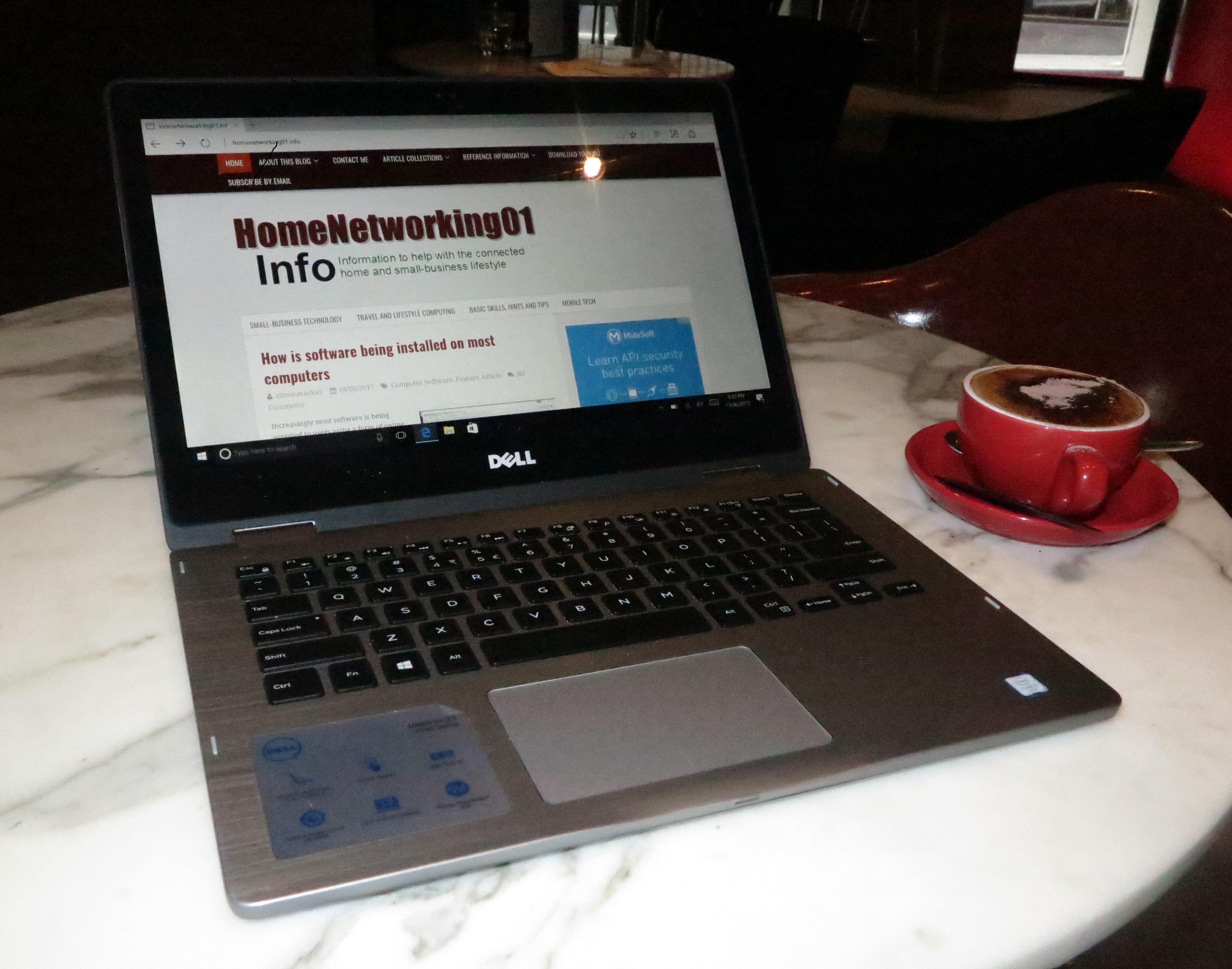 Your old computer is going slow and you are thinking of your next computer. But what do you get? Perhaps, you may be thinking of getting someone a laptop computer as something that could go a long way towards their computing life especially if they move around a lot.
But you want to be sure you buy the right portable computer that suits your needs properly and are gaining the best value for money out of the new equipment. It is becoming more so with the way laptop computers are offering similar levels of functionality to traditional desktops, where you are able to buy high-performance machines that can excel at graphically-intensive tasks like gaming or high-end professional graphics. This is while most of the mid-tier computers offered nowadays are able to do what was expected of last generation’s high-performance computers.
Today’s laptop computers are moving towards areas that were considered by some to be previous off-limits to this class of computer. For example, there is an increase in the number of high-performance laptop computers that can appeal to people playing high-end games or dabbling with advanced computer-graphics work. As well, the Thunderbolt 3 over USB-C connection is opening up paths to high-performance computing thanks to the ability to plug in external graphics modules.
What should I pay attention to
There are certain specification that you need to pay attention to when you choose that laptop or 2-in-1 computer so you can be sure it is up to the job you purchased it for.
Pay attention to the class of CPU your computer is equipped with and its expectations. Here, you will find that entry-level processors the Intel Pentium and Celeron processors will get by for most basic computing tasks, perhaps with some casual gaming or video / audio playback thrown in. Expect that Intel Core m or i processor families and their AMD equivalents will do most computer tasks without stressing with the Intel Core i5 being able to suit most tasks effectively. If you are after performance for advanced gaming, workstation-grade graphics or heavy number-crunching, you may need to look towards the Intel Core i7 processors.
The amount of RAM memory in your computer will affect how many programs you can have running concurrently alongside including the ability to have one or more of these programs work with large files. In the case of your Web-browsing efforts, it will affect how many Web pages you can have open at once whether as separate tabs or browser sessions. This is without the computer slowing down or using up battery power because it has to swap memory data out to the hard disk because you, for example, are running Google Chrome with many Websites open along with Microsoft Word which you are using to make that “magnum opus” document that is based on your Web-based research.
Another factor to pay attention to is the amount of storage you will have on your computer because you don’t want to always be moving your files in to or out of the computer via something like a USB hard disk or rent a large amount of space on an online storage service. As well you don’t need to be regularly thinking of what programs or data to be getting rid of all the time.
Choosing to have your laptop computer equipped with either integrated or discrete graphics can affect how well it performs if you end up doing a lot of graphics-intensive work like advanced games, photo/video editing or workstation-grade graphics. It can also affect how well it performs with some other tasks like video transcoding or playback.
A trend that is surfacing with this generation of portable computers is that an increasing number of these computers may have the ability to be connected to an external graphics module to “bump up” the graphics performance when you need it. In most cases, these modules will be sold as an option you can purchase at a later date.
Most often, the screen size has an influence on how portable your laptop will be and whether it can suit certain tasks while on the road. This obviously influences how large the computer is, thus influencing factors like the ability to have larger storage or the kind of keyboard you can work with. Let’s not forget that it can also affect how much workspace you can have at once especially if you are a multitasker.
From my experience while reviewing laptop computers for this Website, I had found that a computer having a screen size of between 12”-14” was able to offer the best balance between comfortable use for content creation while being portable enough to be carried in a shoulder bag or small briefcase. It also is the smallest screen size for a computer that provides a keyboard that is big enough for comfortable typing, especially if you are a touch-typist.
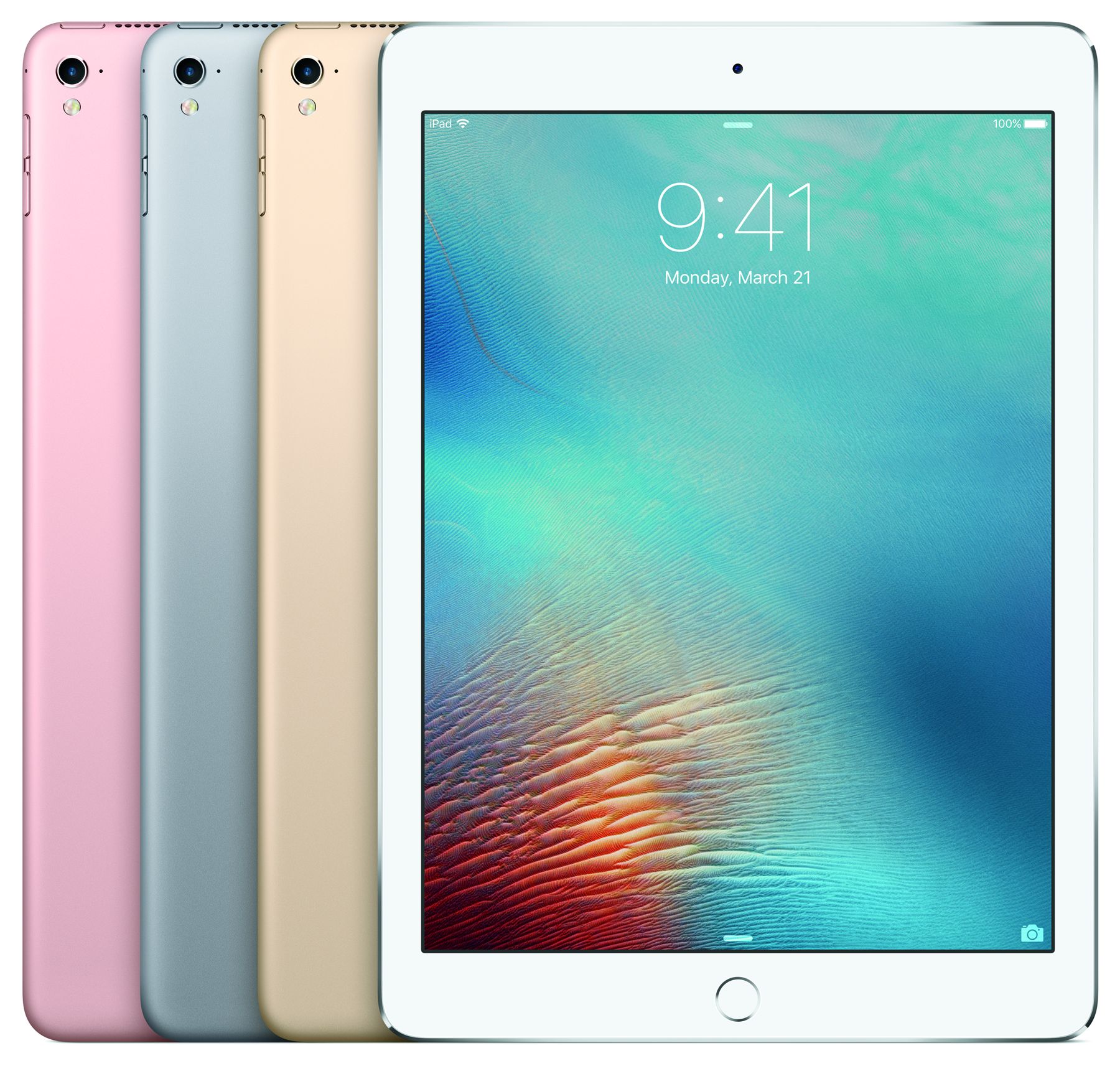
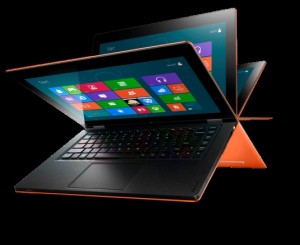
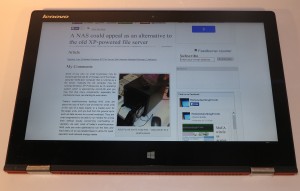
If you buy a 2-in-1 laptop that can be turned in to a tablet, you may find that the 13″ screen may be too large for use as a tablet. This is because most of us are used to the iPad which is a 10″ screen. But the larger screen on a tablet may provide comfortable viewing for situations where two or three of you are watching online video or browsing through photos or Web resources.
It is also worth paying attention to the screen resolution for your laptop’s integrated screen because this can be a trade-off between how sharp and detailed your display looks and how much battery power your laptop needs to run during the day. In a lot of cases, you may find that those laptops with too high a screen resolution for their screen size can become unbearable to use unless you spend a lot of time adjusting your operating system’s user-interface settings because the text and shell icons may be too small for comfortable use. It is although the newer operating systems do factor in the “dot-per-inch” settings for the higher-resolution displays and maintain that same level of visibility.
In most cases, you can get by with a screen that natively uses 1366×768 as its maximum resolution when you are on a limited budget or use a screen less than 13”. On the other hand, you can use a Full HD (1920×1080) screen resolution in most other situations because this resolution puts up a sharp display without draining your laptop’s battery too heavily.
Key trends to look at
There are a few key trends that are coming strong in the recent crop of laptop computers in addition to faster processors, increased RAM and storage capacity including use of solid-state storage, and integrated graphics subsystems that rival baseline discrete graphics cards.
USB Type-C connectivity
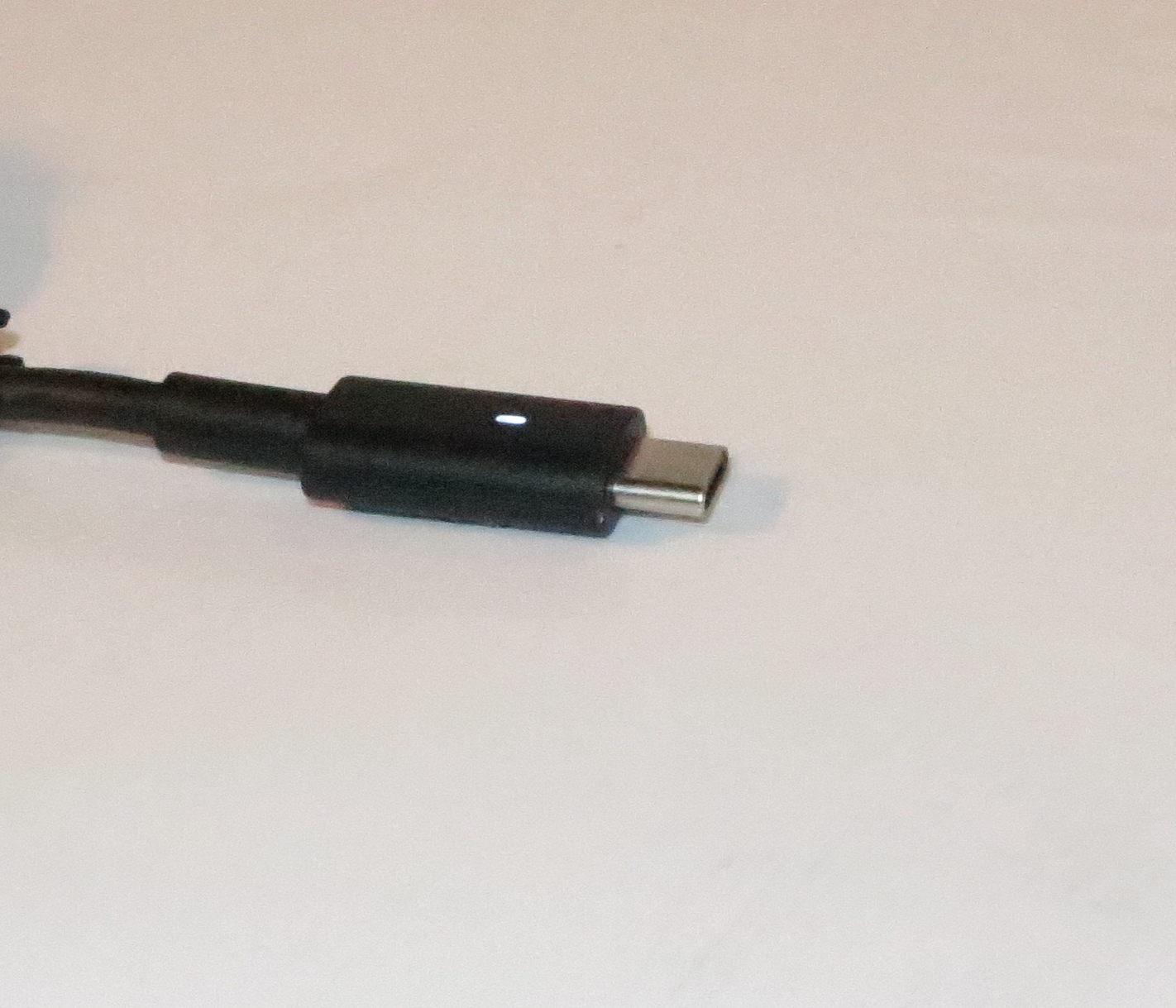
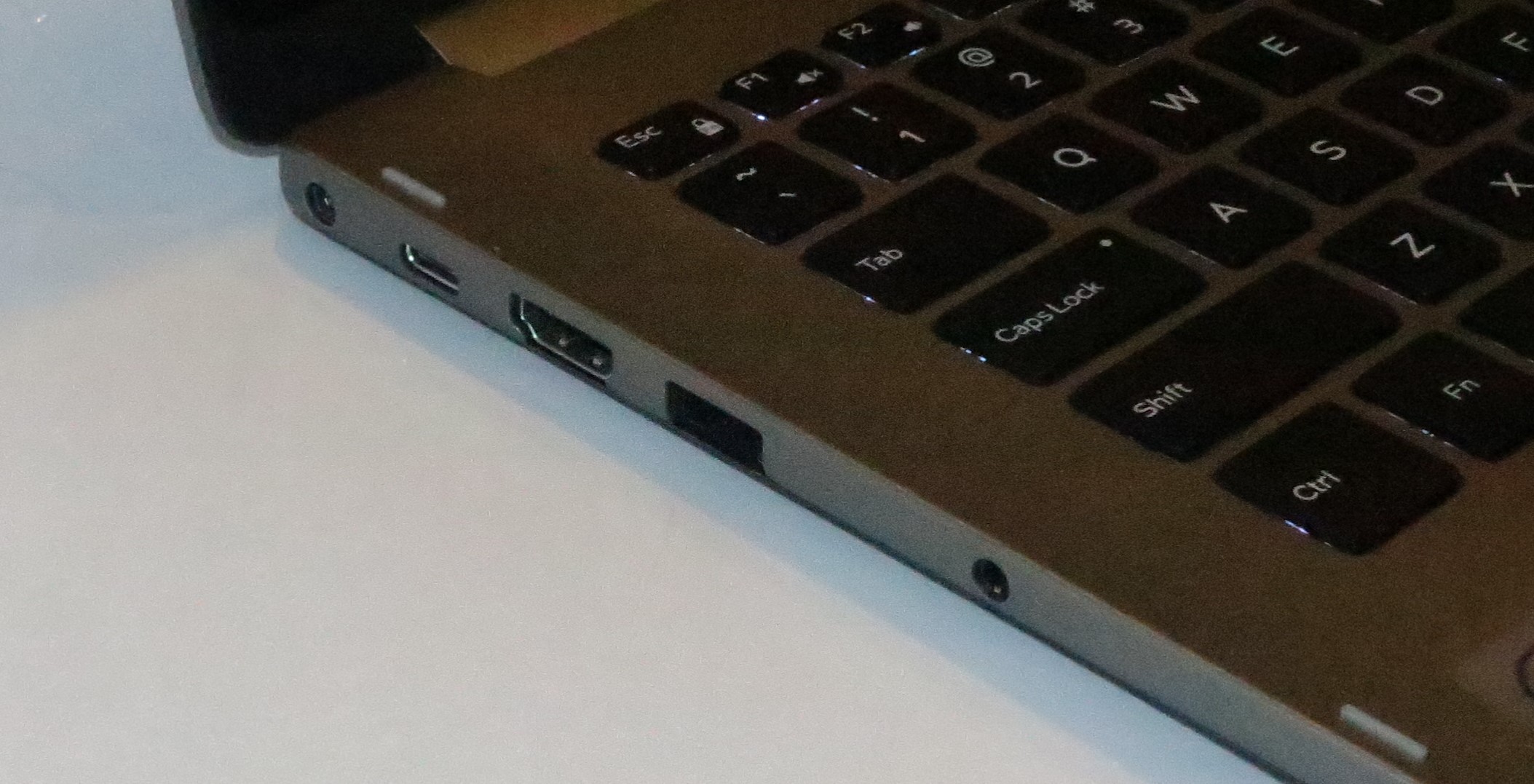
USB-C to be the key connection trend for the current laptop generation
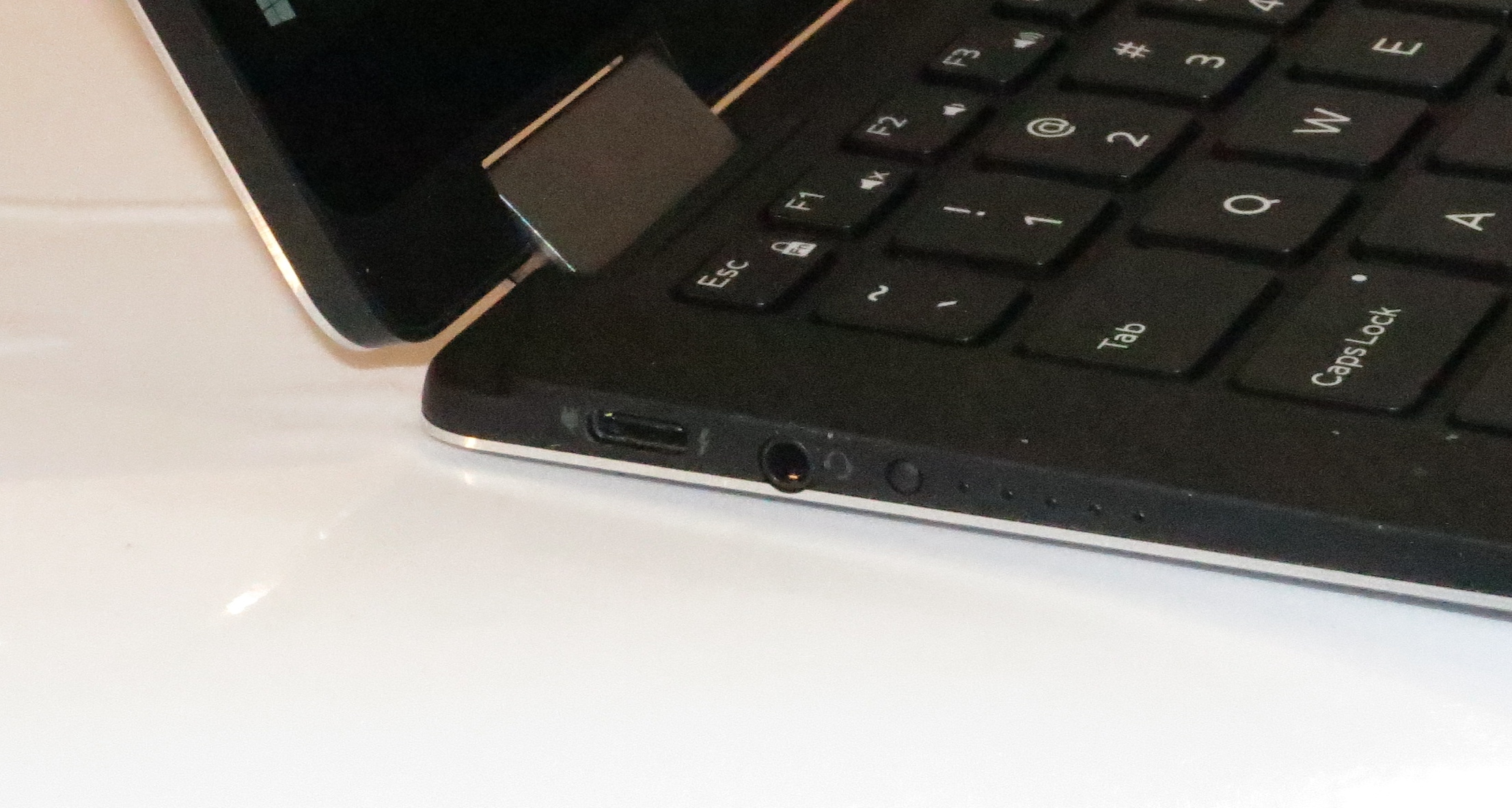
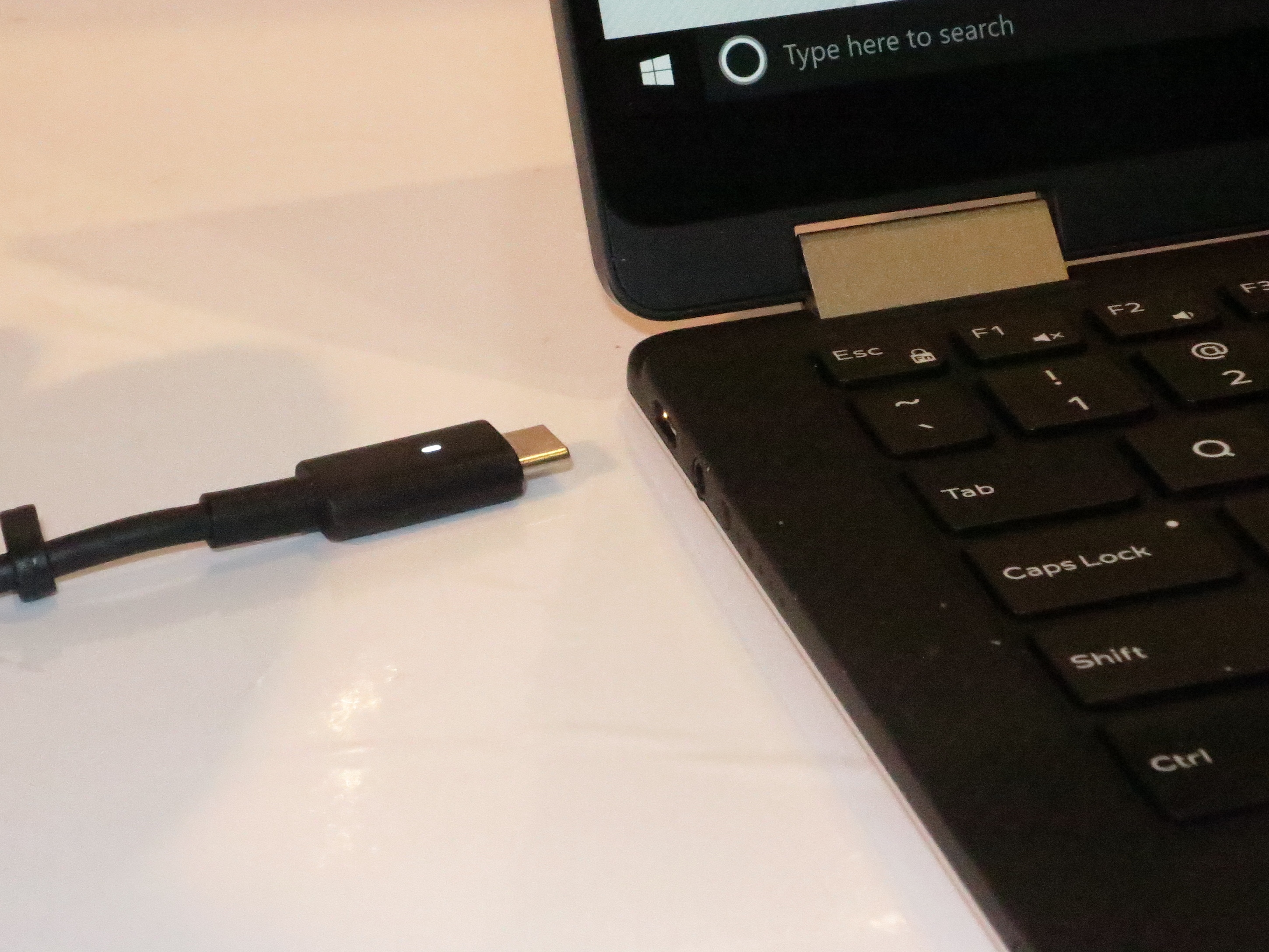
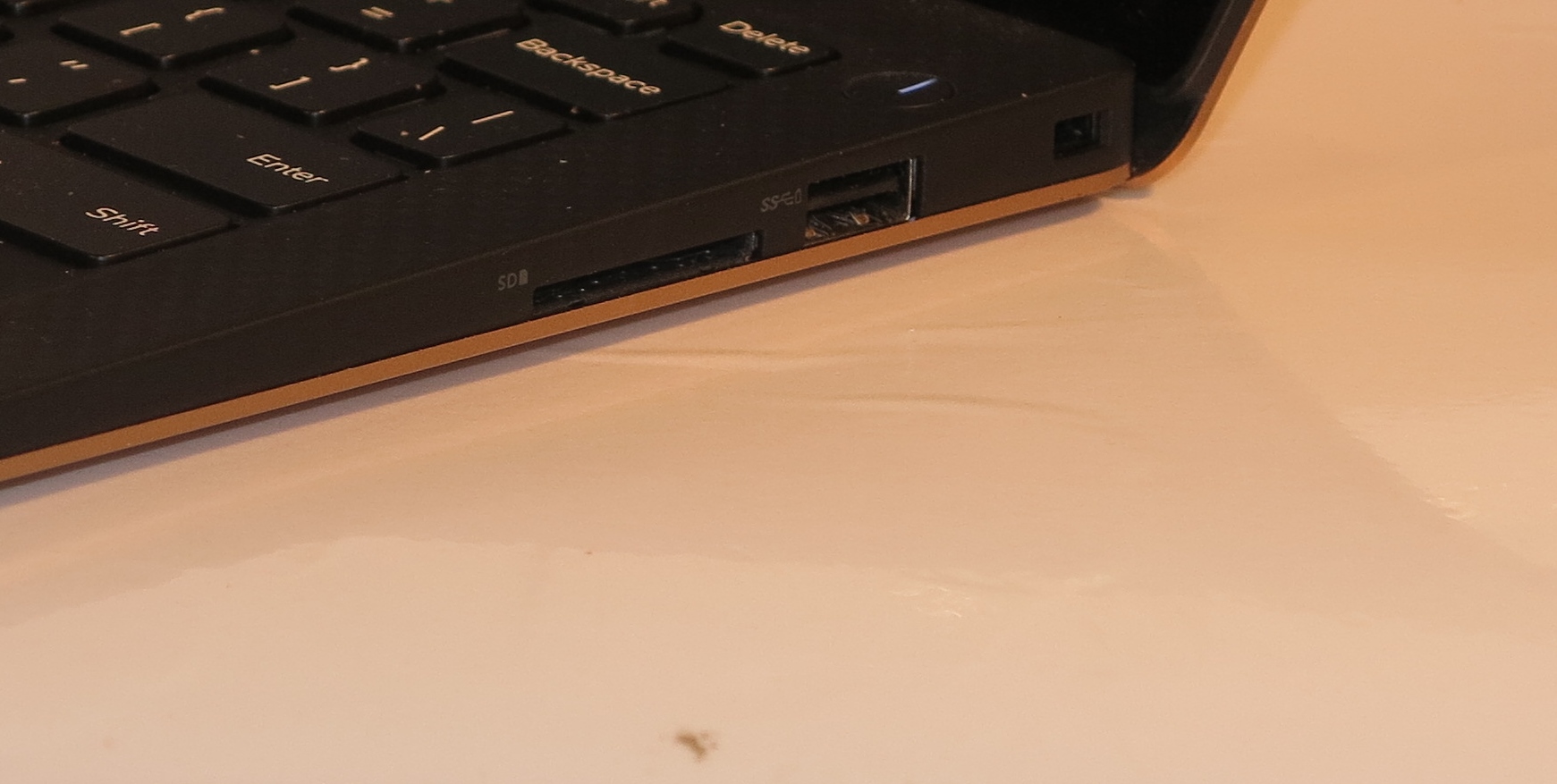
An increasing number of laptop computers released during the 2016-2018 model years will be equipped with a USB Type-C socket. It is being considered as the single pipe that serves power connection along with high-speed data transfer. Some of these USB Type-C connections are also working as another high-speed data conduit like a DisplayPort or Thunderbolt 3 connection which I will be talking about next.
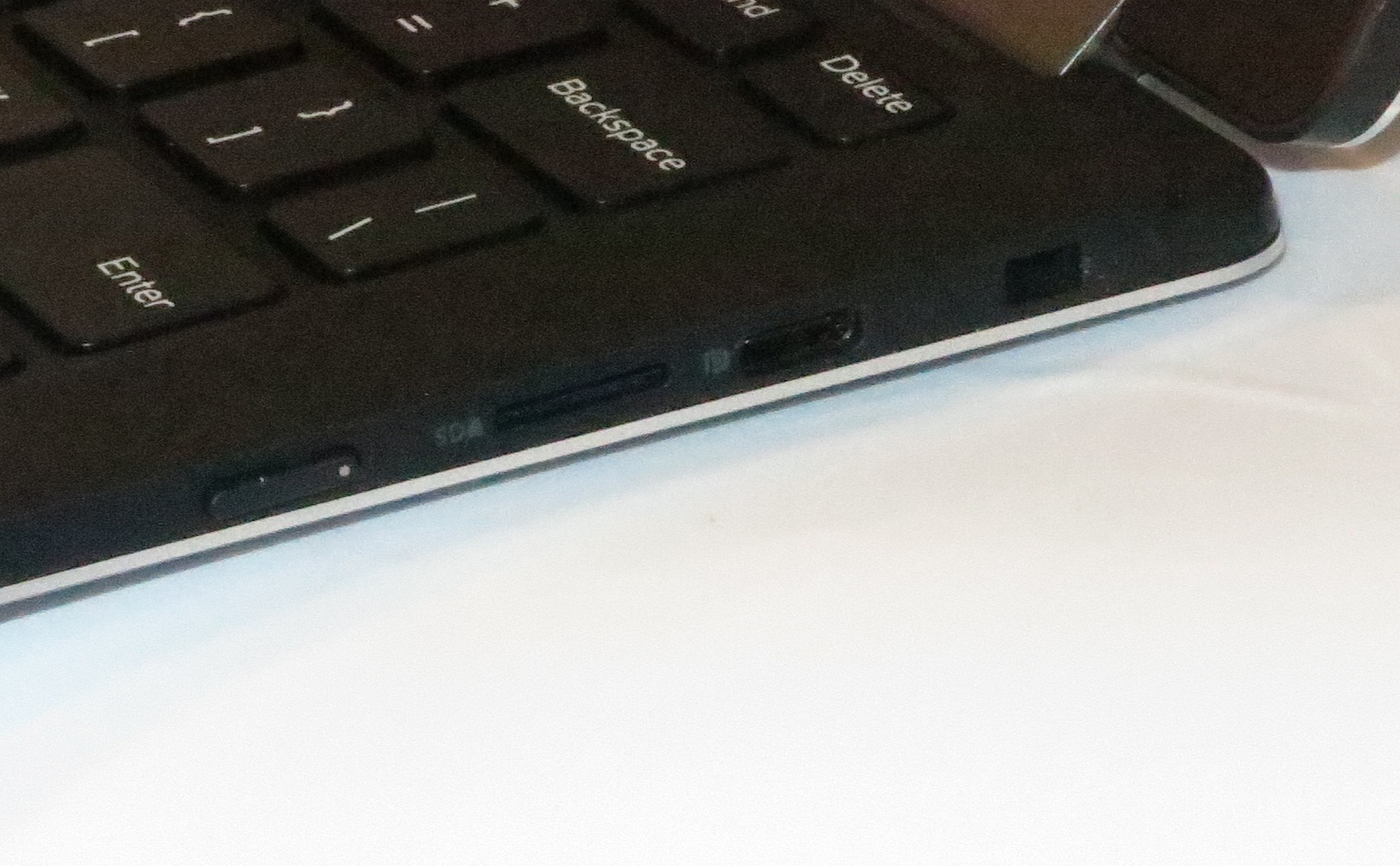
At the moment, this connection is appearing mainly on premium models but is trickling down to mainstream and low-cost computers. It is appearing as a sole connection type on some of the ultraportable computers including some low-end varieties because this connection type is very conducive towards a slimline design. But it will appear on a range of traditionally-designed laptops including most ultraportables and mainstream designs as an extra input-output port alongside the USB Type-A ports.
The USB Type-C connector is also being used as an external DisplayPort-compliant display connector and if you want to connect an existing monitor or projector to these computers, you will have to use a USB Type-C adaptor that is compliant to DisplayPort specifications and support “DP alt” mode.
You can connect existing USB-equipped peripherals to computers that have only these connections by using a USB-C adaptor cable or docking station (expansion module) that suits your needs. Some of the adaptors that have their own power supply even provide USB Power Delivery support so you can charge your laptop or avoid compromising its internal battery’s runtime while using external accessories – this is a feature you must look for if you want to get the most out of your laptop and adaptor device. Here, you can buy these accessories at most office-supply, consumer-electronics or computer stores.
External Graphics via Thunderbolt 3
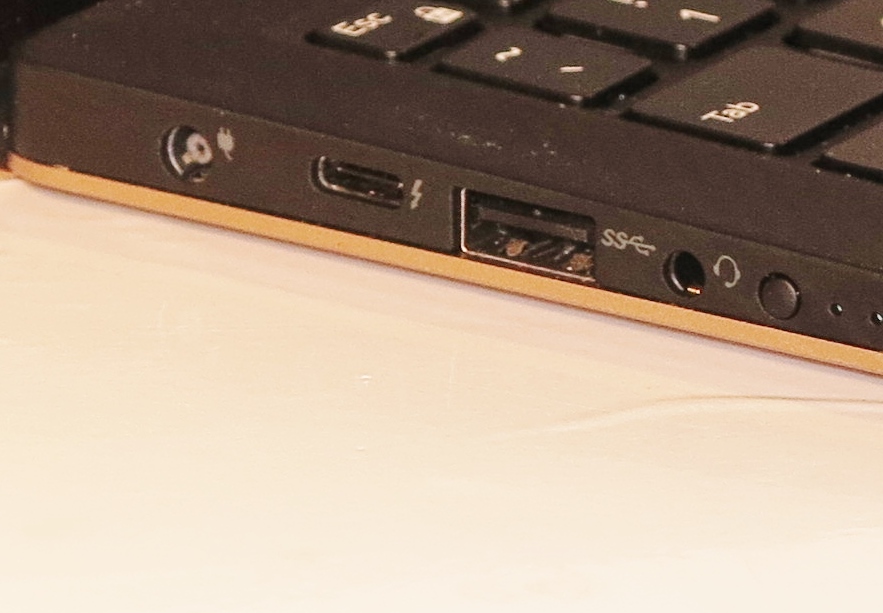
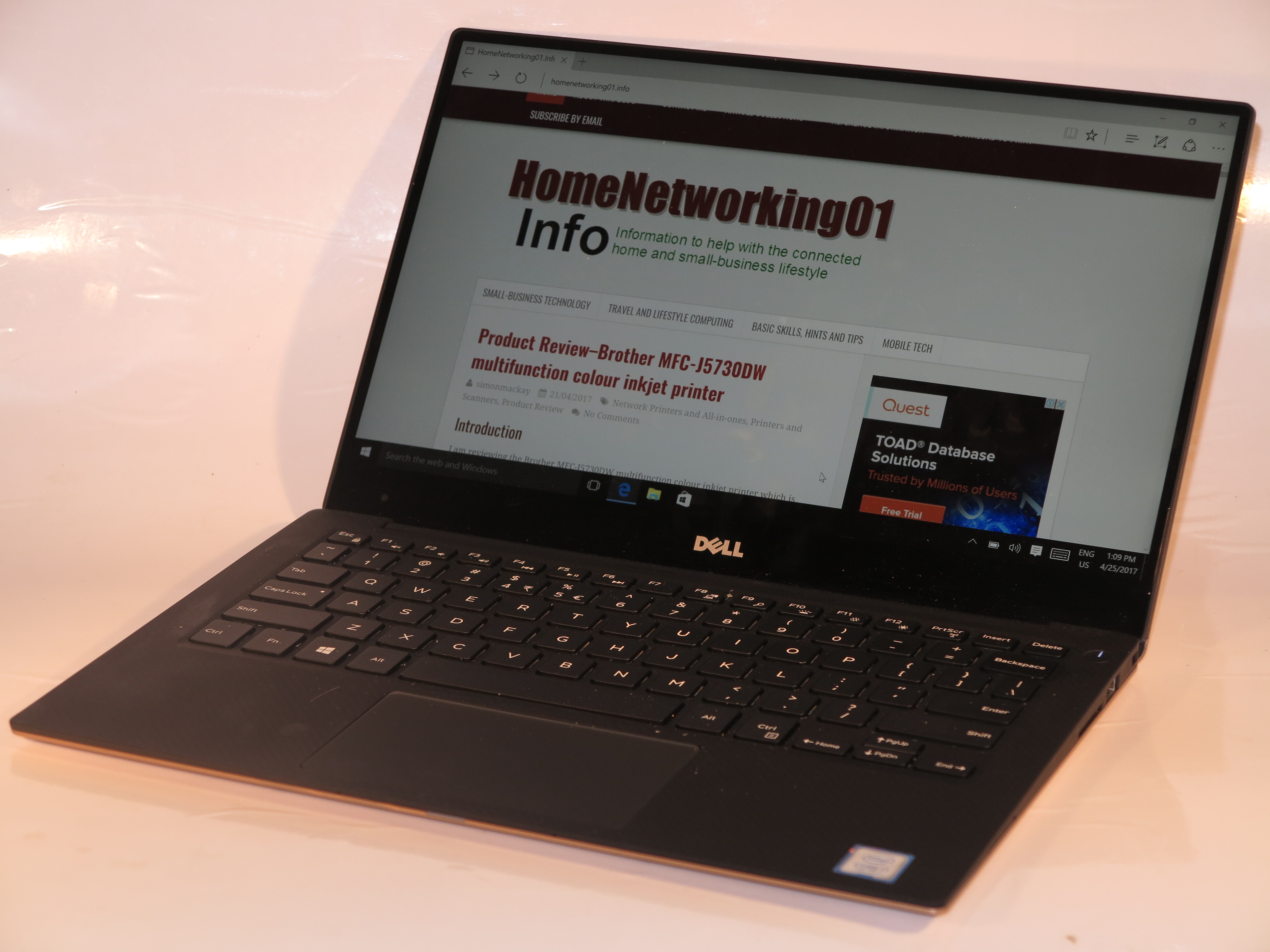
Thunderbolt 3 ti open up paths for external graphics on this Dell XPS 13 2-in-1
The USB Type-C connector will serve as a way to provide a Thunderbolt 3 connection which is being exploited not just for direct-attached storage, but for external-graphics modules. Here, this connection is appearing mainly on premium-grade laptop computers including some ultraportables and will end up as a product-differentiating feature
What this allows for is that a person could buy an external graphics module that can be connected to their computer for improved graphics performance. This will come in two forms – a module with an integrated desktop graphics chipset or a “card-cage” where you can install a desktop graphics card.

Akitio Node Thunderbolt 3 “card cage” external graphics module – to hot up the Thunderbolt-3-equipped laptops graphics abilities
At the moment, these devices are being pitched primarily at gamers who are wanting to “hot up” their gaming laptops but I would see them as something that permits a portable computer to work in a higher-performance manner for gaming / workstation / multimedia use at your main usage space. NVIDIA even made it possible to allow workstation-grade graphics setups to work in this context, thus opening up the door towards situations like mainstream laptops heading towards mobile workstation territory.
Solid-state storage as the preferred option
Increasingly, solid-state storage is being implemented on more portable computing devices. This is either as a sole storage device or alongside a separate mechanical hard disk.
The driver for this technology is the the fact that this storage method isn’t demanding on battery power which is very important for portable computing. As well, the typical solid-state drive occupies less space in the computer than a traditional hard disk and is lighter, also making it conducive towards portable use. Let’s not forget that solid-state storage is quicker and more responsive.
But the “cost per byte” for solid-state storage is still more expensive than the traditional hard-disk technology, and is more so when it comes to capacities in the order of 500Gb or more. Typically, this will lead to 15” or larger mainstream laptops being equipped with a 1Tb hard disk as the base option with a 128Gb or 256Gb solid-state drive as a “high-speed system disk” option. Or you may come across a solid-state disk up to 512Gb as the sole integrated secondary storage option as a common specification for most laptop computers.
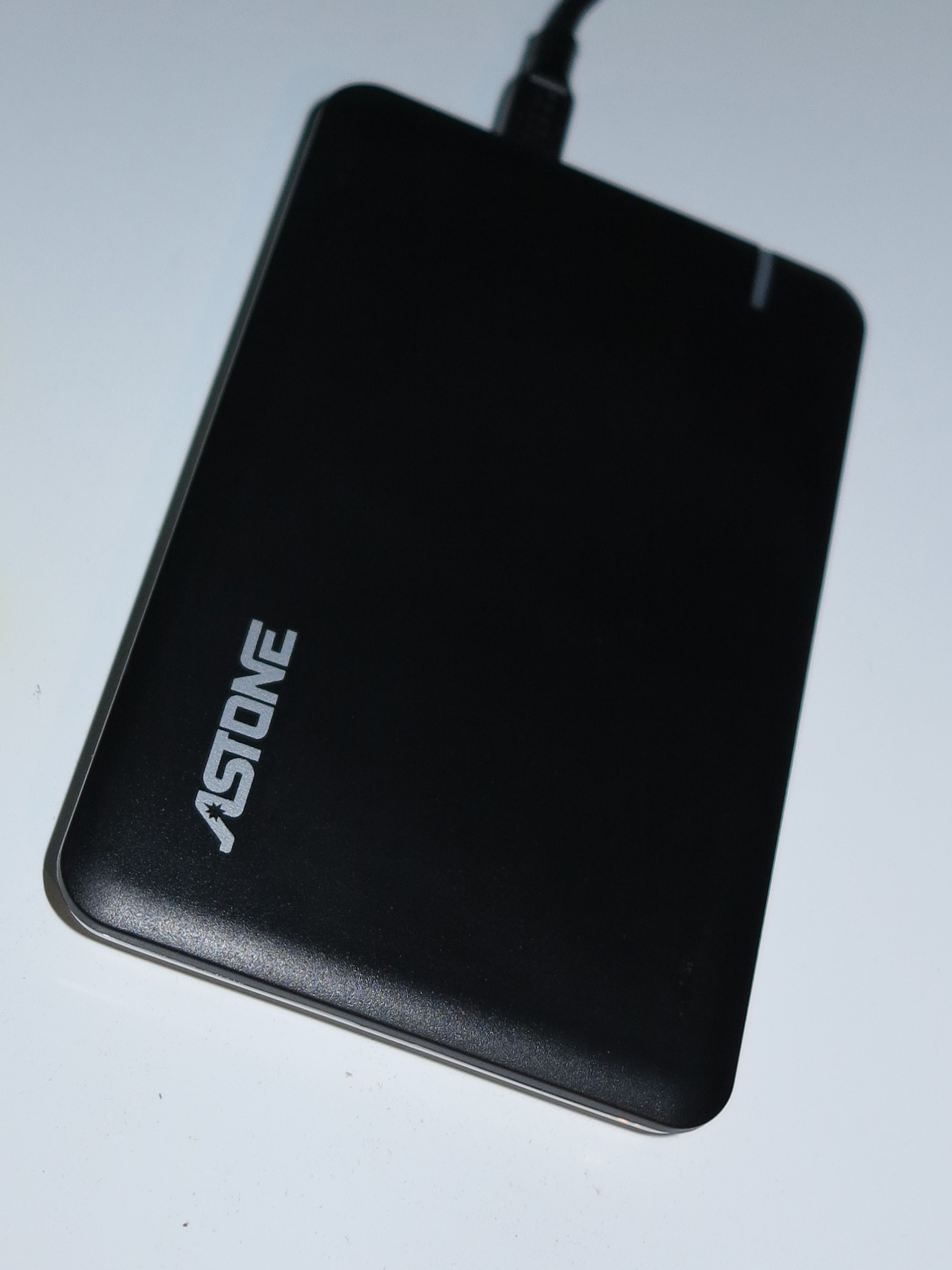
High capacity USB hard disks can be a godsend with laptop computers that have small solid-state storage capacities
If you value what solid-state storage offers in the form of high performance, reduced battery consumption and a lightweight computer, you may find that something around the 256Gb mark may hit the spot. But you would need to consider using a USB external hard disk of at least 1Tb as an “offload” storage device for your data especially if you expect this computer to be your main or sole computer. On the other hand, if you value a combination of performance and storage capacity, a laptop that uses a 128Gb SSD system disk and a 1Tb hard disk as the secondary disk could serve your needs better.
Integrated graphics with the same performance as baseline discrete graphics
Intel has pushed the HD Graphics and Iris Graphics integrated-graphics chipsets to offer the same graphics-performance prowess as an equivalent baseline discrete graphics chipset offered by AMD or NVIDIA. This would be represented by a “budget” desktop graphics card that you would equip a “workhorse” desktop PC with if the motherboard has no graphics chipset on board.
Here, they are investing in the integrated-graphics chipsets due to the fact that they don’t draw too much current and don’t yield too much heat thus being suitable for portable-computer use. This is more so with computer configurations that use 8Gb or more of RAM and they use some of that RAM capacity to “paint” the screen images. What these chipsets are offering is the ability to answer everyday computing including casual gaming or occasional photo and video editing work.
Let’s not forget that nearly all recent-issue laptops that are equipped with discrete graphics are also equipped with integrated graphics. But these setups switch between the graphics chipsets automatically dependent on the software you are running and on whether you are using the laptop’s internal battery or external power as well as how much battery power is left in the internal battery. These automatic-switchover setups are known by trade names like NVIDIA Optimus or AMD PowerPlay and, in most cases, work behind the scenes.
Improved sound reproduction
Most of the computer manufacturers are providing improved sound reproduction for their portable computer products, save for the low-tier models. This is in answer to a problem associated with the way these computers are designed where the sound came out being tinny or lifeless.
Initially the sound functionality in a computer was to provide audio prompts like the familiar “ding” tone but computer users are asking a lot more out of these computers. This is to allow them to enjoy music and video content on these systems thanks to file-based or streaming media delivery; along with being able to use IP-based voice and video communications platforms to talk to distant people.
This trend is being fulfilled by the computer manufacturers working with respected home or professional audio brands to “tune” their products for better sound reproduction. Examples of this include HP initially working with Dr. Dre’s Beats Audio but subsequently working with Bang & Olufsen; or Lenovo and ASUS partnering with Harman, known for JBL speakers or Harman-Kardon home audio, to “tune” some of their products.
System classes
Nearly every one of the main laptop manufacturers are following the same playbook that every one of the popular vehicle builders have followed when it comes to segmenting their product ranges. This is where a particular class of vehicle would be targeted towards a particular driver type such as the standard family cars being targeted towards the typical everyday driver.
Low-tier portables
These are a group of small notebooks that have followed on from the “netbooks” offered around 2009-2011 and have a very similar focus to those computers – a “cheap and cheerful” system that doesn’t have much. One could see these computers as being equivalent to the low-tier small cars that offer a baseline seating capacity of up to four normal-sized adults, a feature set that doesn’t offer much along with a powertrain that isn’t considered to be powerful.
Typically they will have an 11”-14” screen served by integrated graphics and will have a low-powered processor like an Intel Pentium or Celeron. The RAM memory will be this side of 4Gb while the storage will be up to 128Gb. Some of these computers will come as a 2-in-1 design of the detachable kind or, perhaps, a convertible kind rather than the traditional “clamshell” form factor. You will most likely see these computers offered in a bright colour so as to increase their appeal to children especially.
Units with a storage capacity of 32Gb to 64Gb and an 11” screen are being pitched as a Windows-based alternative to an Android tablet or an iPad. This is a way for Microsoft to “cut in” to the market traditionally held by Apple and Google when it comes to personal tablet computers.
Personally, I would see most of these computers serve as a baseline portable secondary computer for those of us on a budget and don’t expect to do much with them. Families could even see them as a “first-computer” option for lower-secondary-school (US: middle-school) students.
If you are expecting them to be your budget option for your only computer, I would recommend looking towards something with 128Gb storage and a 13”-14” screen and, perhaps, making use of an external hard disk. This may be more so for people like the older generation who just want something for basic computing and online-communications tasks but don’t want to shell out much.
Mainstream laptops

Lenovo G50-70 – an example of a mainstream home laptop
This class of laptop computer is seen as the “bread and butter” for consumer and business portable computing ever since these kind of computers became popular as a viable alternative to the desktop personal computer. Over the last two decades, they got to a point where most households and businesses preferred to buy a laptop computer over a desktop computer for regular personal computing requirements.
In the same context to cars, they could be considered as being equivalent to the common family cars, typifying medium-to-large size vehicles that have the ability to seat four or five people comfortably, have a wide range of options and are powered with a powertrain that suits city and highway travel. Like these family cars where vehicle builders offered a range of model varieties with different powertrains (engine and transmission combinations), body styles or feature sets, the laptop manufacturers would provide a large product selection and options list for this class of laptop with some offering the ability for you to “build your own computer” where you have a system with the right product mix that suits your needs.
These computers will have a heavier and thicker chassis and will have plenty of connectivity options along with a larger battery for portable use. Essential features for this class of computer, whether home or business, are a 15” screen with some offering a variant with a 13” or 14” screen for portability or a 17” screen for a large workspace. Here, these screens would be mainly driven by integrated graphics although premium varieties will use discrete graphics.
The horsepower for these machines will typically come from any processor in the Intel Core i family with i3 or i5 being of choice for value-priced variants. AMD A4 or A6 may also be offered as a processor alternative for cheaper options. There will be a minimum of 4Gb RAM with newer machines offering 8Gb at least, and storage will be either in the order of at least 500Gb on a hard disk or 256Gb on a solid-state drive along a good chance of them being equipped with a read/write optical drive, most likely a DVD burner. Some of these systems may come equipped with a 128Gb or 256Gb solid-state drive alongside a 1Tb hard drive. This will be set up with the solid-state drive being your system disk where the operating system and applications are kept, thus allowing for quick starts.
There will be some premium variants that have discrete graphics, a high-performance processor like an Intel Core i7, 8Gb or more of RAM and 1Tb hard disk or solid-state storage. You may come across with some of them being equipped with a Blu-Ray drive as their optical drive. These models will end up being pitched for multimedia (photo/video editing, AV playout, etc), workstation or gaming use. and will appeal to this kind of application. Again, this is equivalent to higher-specification family cars which come with all the desirable options.
Mainstream home laptop
Mainstream laptops that are pitched as home computers will typically have some attention paid to their aesthetics but will miss out on durability, security or manageability features that business laptops would be equipped with.
They will also be sold through department stores, consumer-electronics stores and similar outlets that “Average Joe” would come across. Sometimes the office-supply stores or specialist computer stores may offer these computers as something for ordinary households to benefit from.
Here, you can get by using these computers as a portable household computer which most likely will be one that you can easily stow away in a drawer when not in use. It can also appeal to senior secondary or tertiary students as their first computer that they take with them when the leave the family nest. Some small-business users can get by with using them as their business computer, perhaps with having the operating system upgraded to a “professional” variant like Windows 10 Pro.
Mainstream business laptop
Expect this class of computer to be pitched towards office or field use in the workplace.
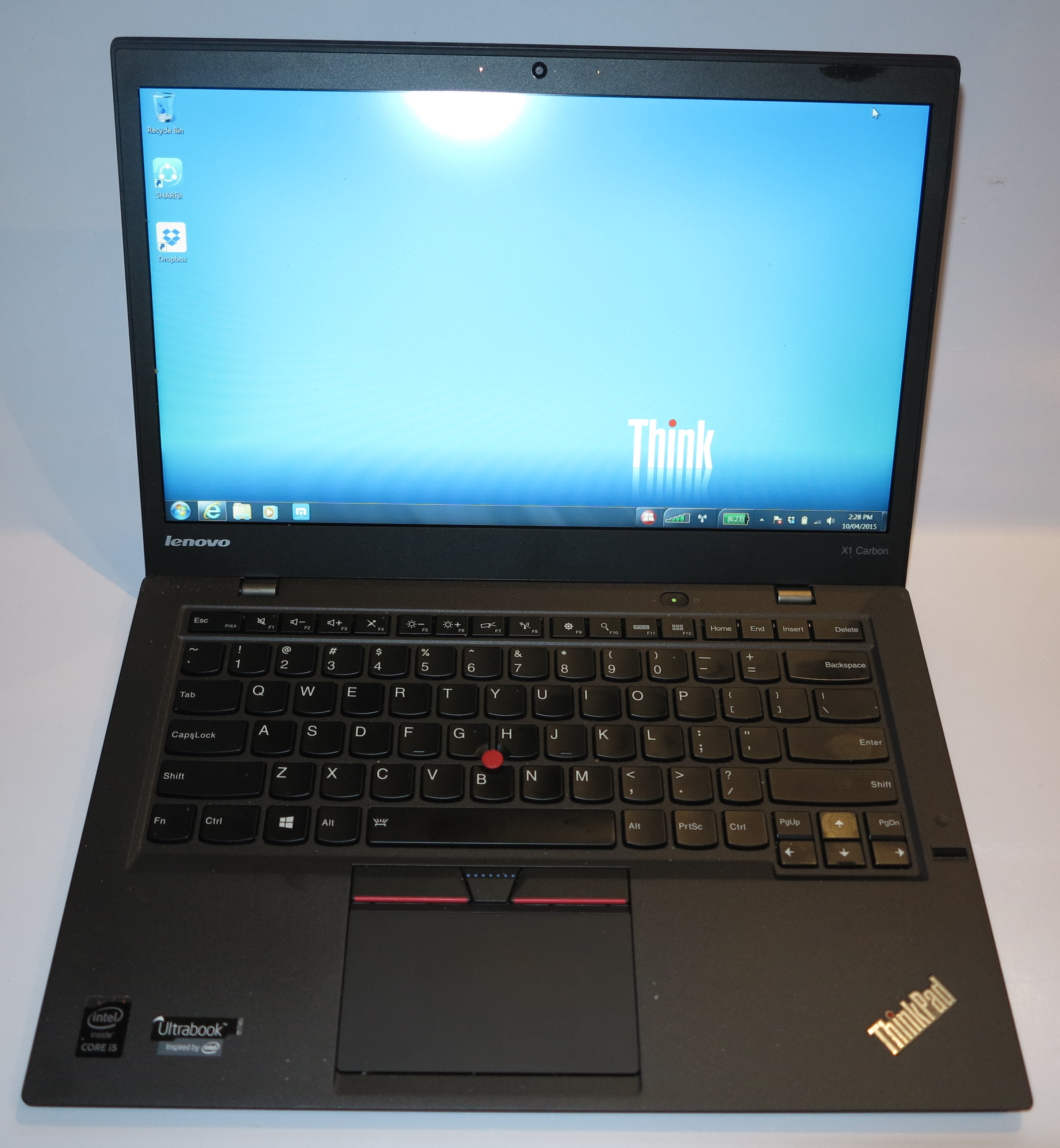
A traditional business laptop represented by the Lenovo ThinkPad lineup
There will be most of the features and specifications associated with the mainstream home laptop computer although there will be a lot of emphasis on durable construction, security and fleet-level management. For example, there will be the use of fingerprint readers on a lot of these machines allowing for “sign-in with your finger” while there are chipsets associated with data encryption and authentication, including the use of Trusted Platform Modules. You may find that computers equipped with a fingerprint reader would come with a baseline password-vault program of some sort that is tied in with the fingerprint reader so you could sign in to Facebook or Gmail using your fingerprint.
Some of the manufacturers like HP and Dell offer different ranges of mainstream business computers. This is while other companies like Lenovo and Acer offer some models with the mainstream business product lineup, typically the entry-level models, that are focused towards the small business user.
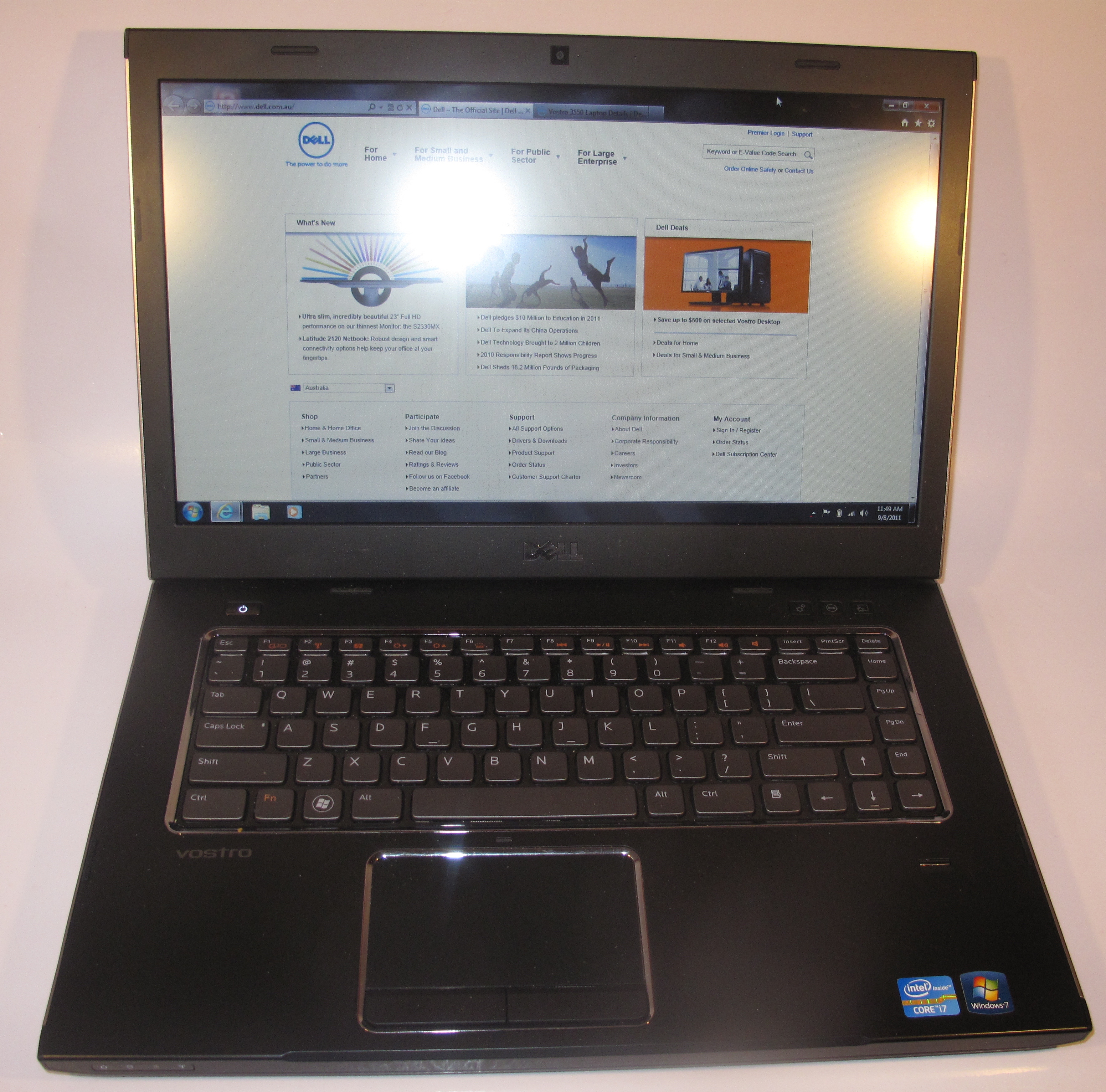
Dell Vostro 3550 business laptop – an early example of what the Dell Vostro small-business laptop is about
Product ranges like the HP Probook and Dell Vostro range have a feature set very similar to the mainstream consumer laptop except that they would come with the “pro” edition of Windows, increased connectivity including VGA and Gigabit Ethernet ports along with TPM module and fingerprint reader security features as an option at least. With these systems, it is typically assumed that the IT team for a small business or community organisation consists of whoever owns or manages the organisation, along with IT-astute members of their community, and the retailer who supplied them the equipment or business-IT solution.
This is compared to the premium business product ranges like the Dell Latitude and HP Elitebook ranges where these computers come with a wider range of security and manageability features either as standard equipment or as options, along with the increased connectivity options. These machines are typically sold under contract to government departments and larger businesses who have their own IT staff or contract with an IT service provider to look after their computing and communications needs.
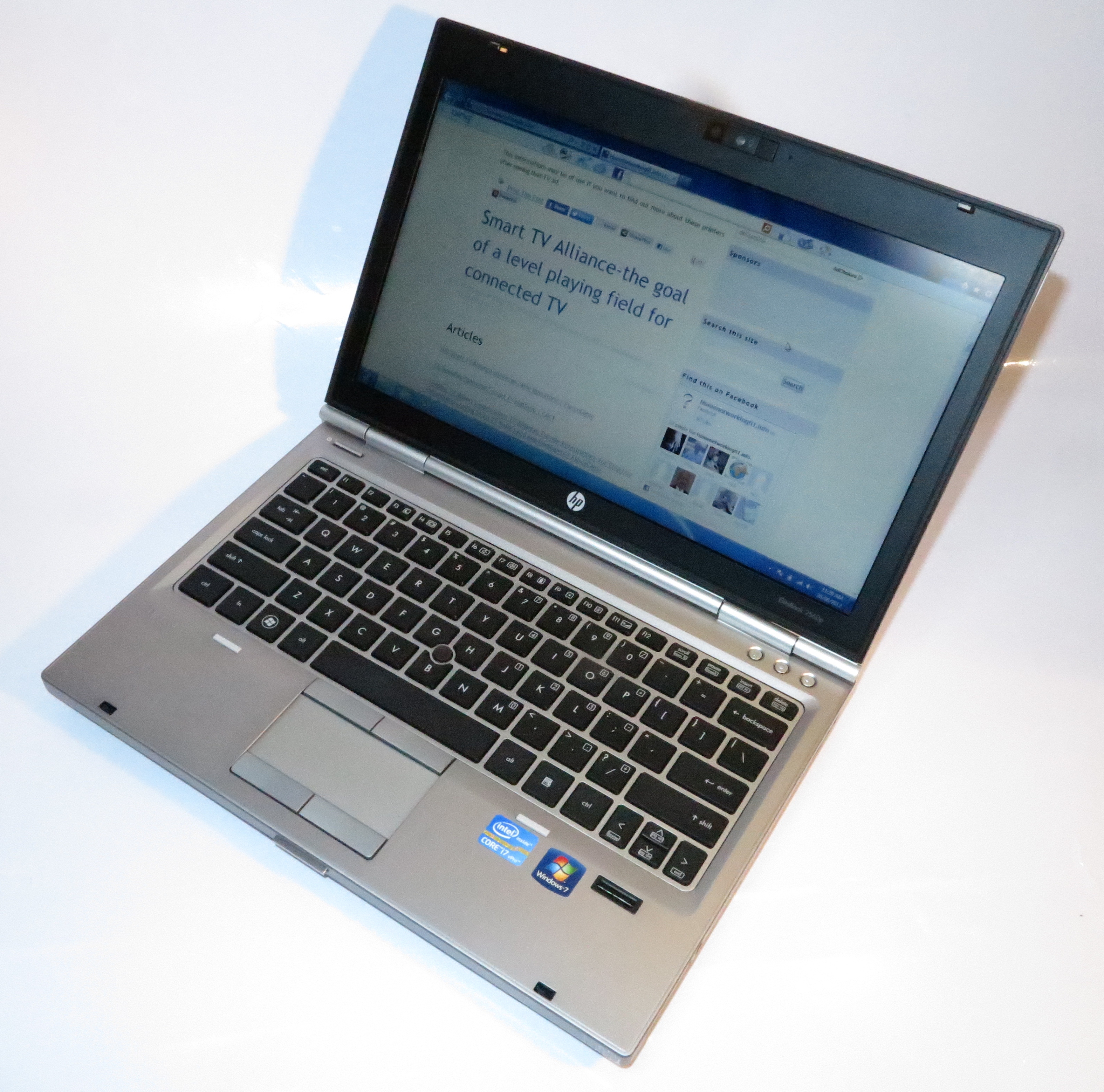
The HP Elitebook 2560p – an earlier 13″ example of a corporate-grade business laptop
The mainstream business computers will primarily be sold through specialist computer outlets whether online or “bricks-and-mortar”. It is more true for those outlets who place their focus on selling to the business market with a “solutions-based” approach where there is a strong support cycle. For example, you may approach one of these providers when your shop “grows up” from the old cash register to a fully-computerised point-of-sale system.
The question that may be raised when buying the mainstream business laptop is whether the manageability features that these will be supplied with are a waste of money or not. This also includes whether your supplier will use these features as part of them providing after-sales support for your system.
Personally, I would place importance on a mainstream business laptop if you value system durability and security for your data or a strong relationship with your IT supplier, which is important for the typical “work-home” laptop that you take around frequently.
But with this class of computer, be careful of your potential supplier over-specifying your system. This is more so when your small business or community organisation is being sold management functionality that isn’t really necessary for their operation. Here, I would ask if they are using any of these features as a tool to provide remote support or for you to have the right level of security over your data in your business’s context.
Ultraportables
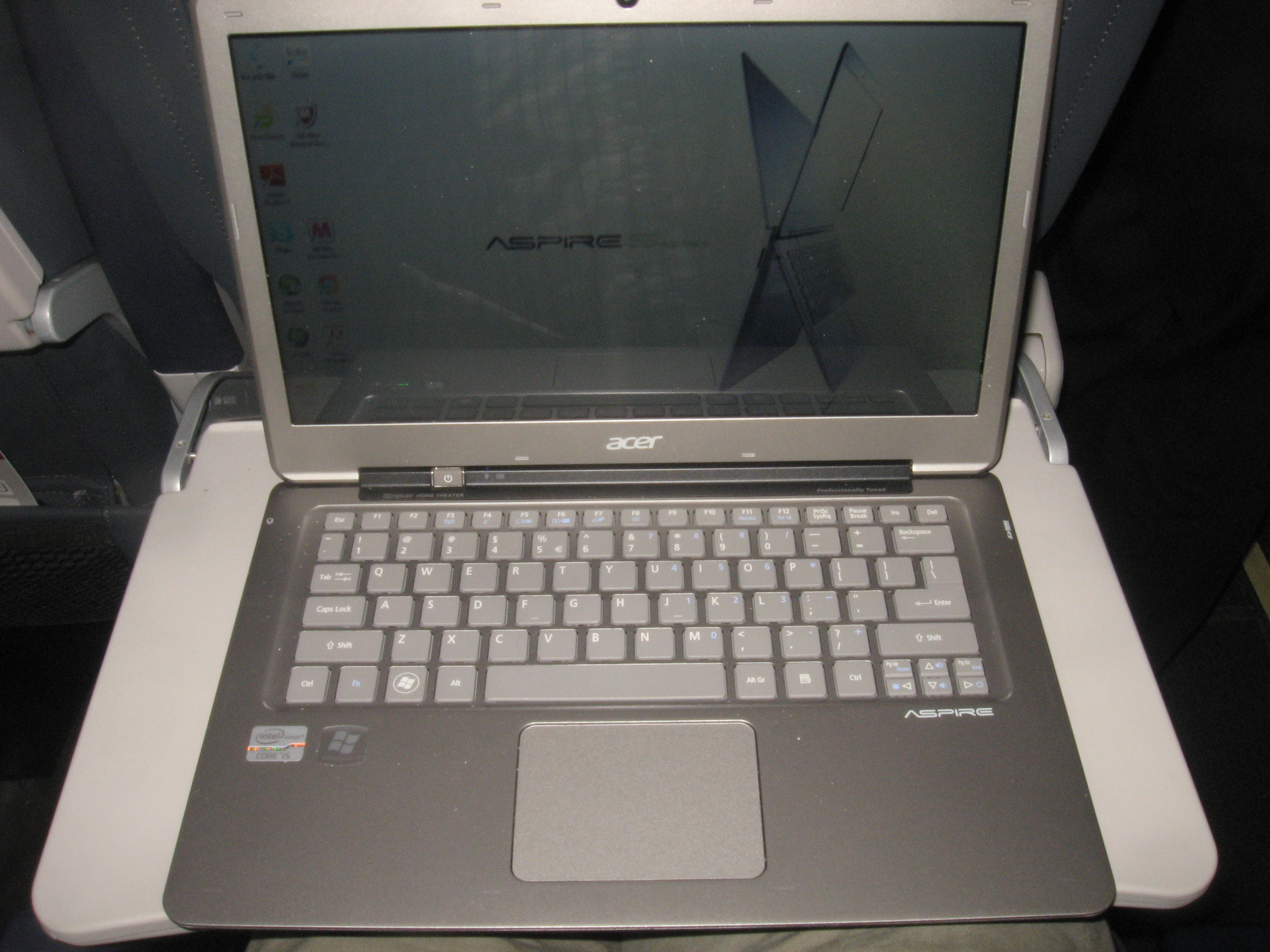
Acer Aspire S3 Ultrabook – one of the first Ultrabooks that defined this class of ultraportable computer very well
The typical ultraportable computer is designed to be light and occupy less space in your bag or briefcase, while running for a long time on its own batteries. A lot of manufacturers even invest a lot of money in developing these models and positioning them as the “beauty queens” of their product lineup. But these ultraportables will offer a level of performance very similar to what most of the mainstream home and business laptops will offer.
Some of these machines that fit Intel’s preferred specifications for an ultraportable are described as Ultrabooks but the others in this class are simply described simply as being ultraportable, thin and light or something else that describes their beauty. There has been an increase in product development in this class of computer due to the fact that everyone else wants to compete against the Apple MacBook product lineup that exudes itself in the beauty stakes.
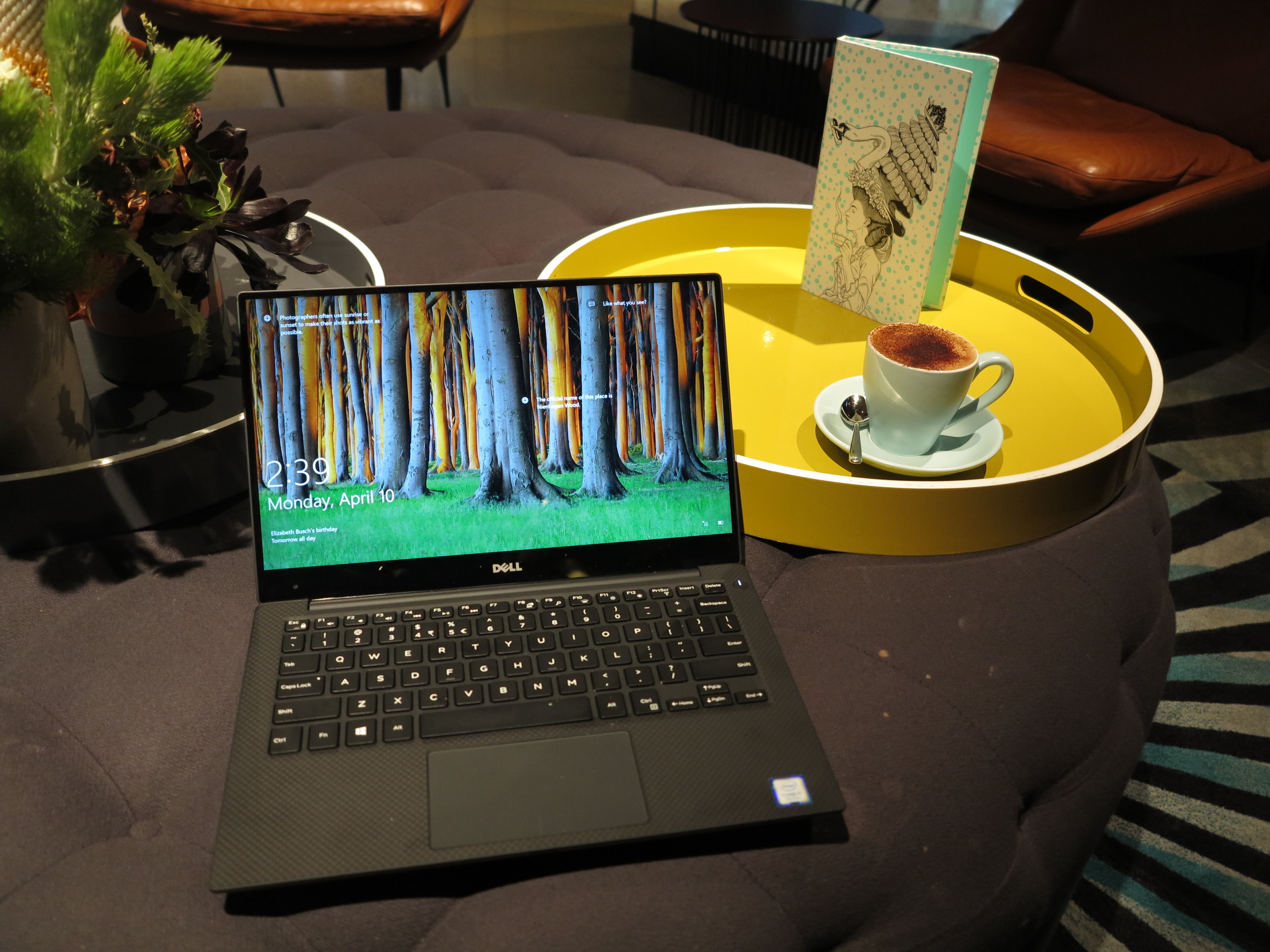
Dell XPS 13 Kaby Lake Ultrabook – the latest example of an ultraportable clamshell laptop
Such computers could be seen in the vehicle world as being equivalent to the sporty-looking coupés and convertibles which have improved performance but are styled in a way to exude their beauty – a car to be seen in as well as to drive.They can also be seen as being equivalent to the luxury cars where there is an emphasis on the luxurious driving experience.
Most of these will end up with a screen size of between 11” and 14” with some larger variants coming with a 15” screen. The screens will typically have a resolution of up to QHD (3200×1800) and work from the computer’s integrated graphics processor. As for the horsepower, this will come most likely from Intel Core m or i processor families that are optimised for reduced power consumption and heat output. As for RAM, this will be typically 4Gb-8Gb RAM depending on the model with some premium models offering 16Gb RAM. They will also have a storage configuration of up to 256Gb on a solid-state drive or 500Gb on a hard disk with some top-shelf models offering 512Gb to 1Tb on a solid-state drive.
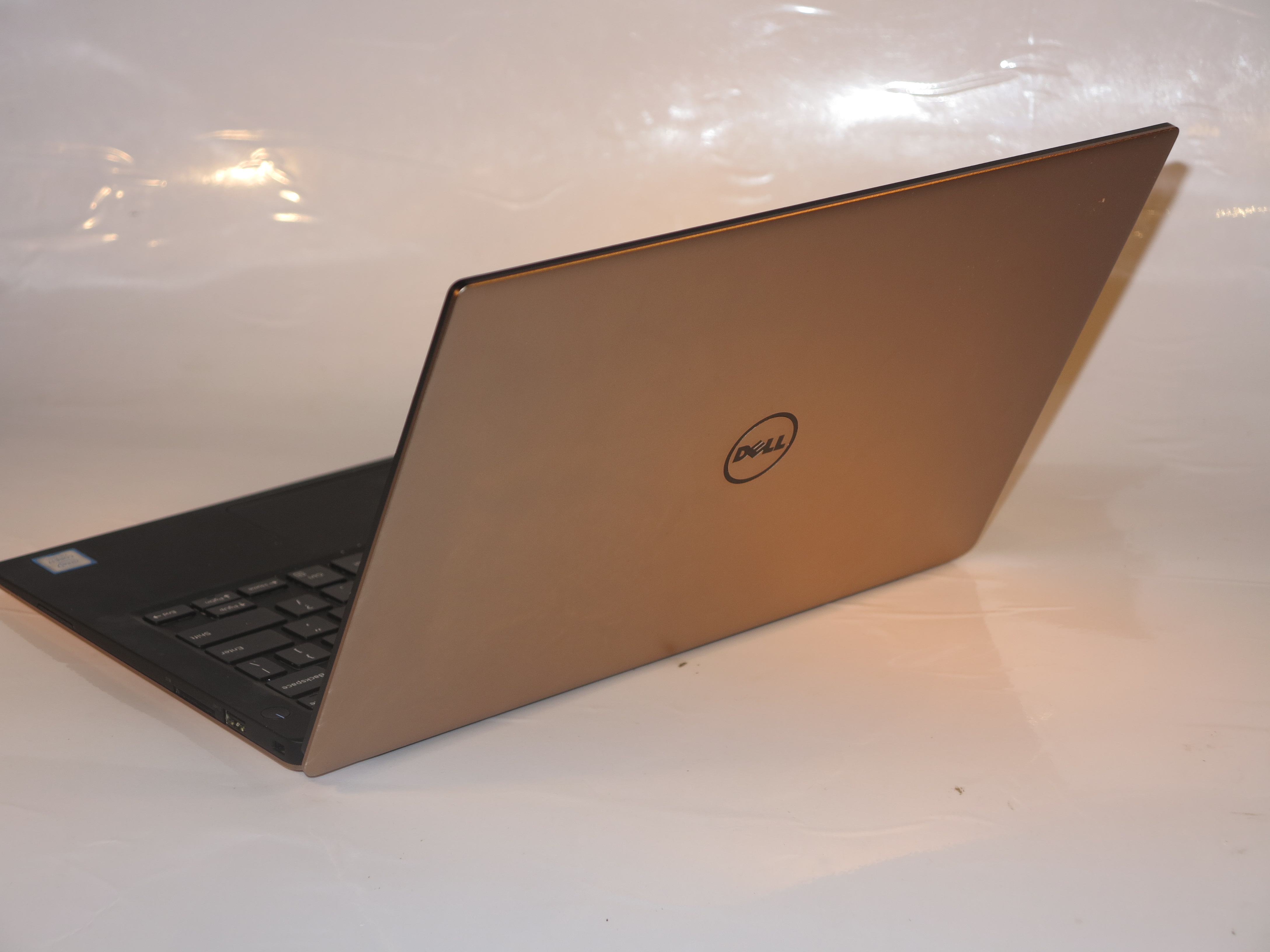
A lot of these computers will appear in the traditional “clamshell” form while an increasing number of them are appearing as a detachable or convertible 2-in-1 form. As well, most of these computers will be styled to look very elegant, more as fashion accessories and something you can impress others with. This will include use of finishes like rose gold or champagne gold on some of the premium models.
These computers will appeal to those of us who can afford the premium offered for a system that provides mainstream-grade performance in a very lightweight chassis. Units equipped with low-tier processors like some Core m varieties and have low-capacity storage will appeal as “portable-use” secondary computers rather than as main-use or sole-use computers.
High-performance laptops
The laptop is now showing itself as a computer type that doesn’t have to be an ordinary old low-performing unit for pedestrian computing tasks. Increasingly, the manufacturers are offering mobile computing systems that could relate to the high-performance cars of this world whether for work or play and they are being offered under one or two separate product ranges or even as separate brands.
High-performance mainstream laptop variants
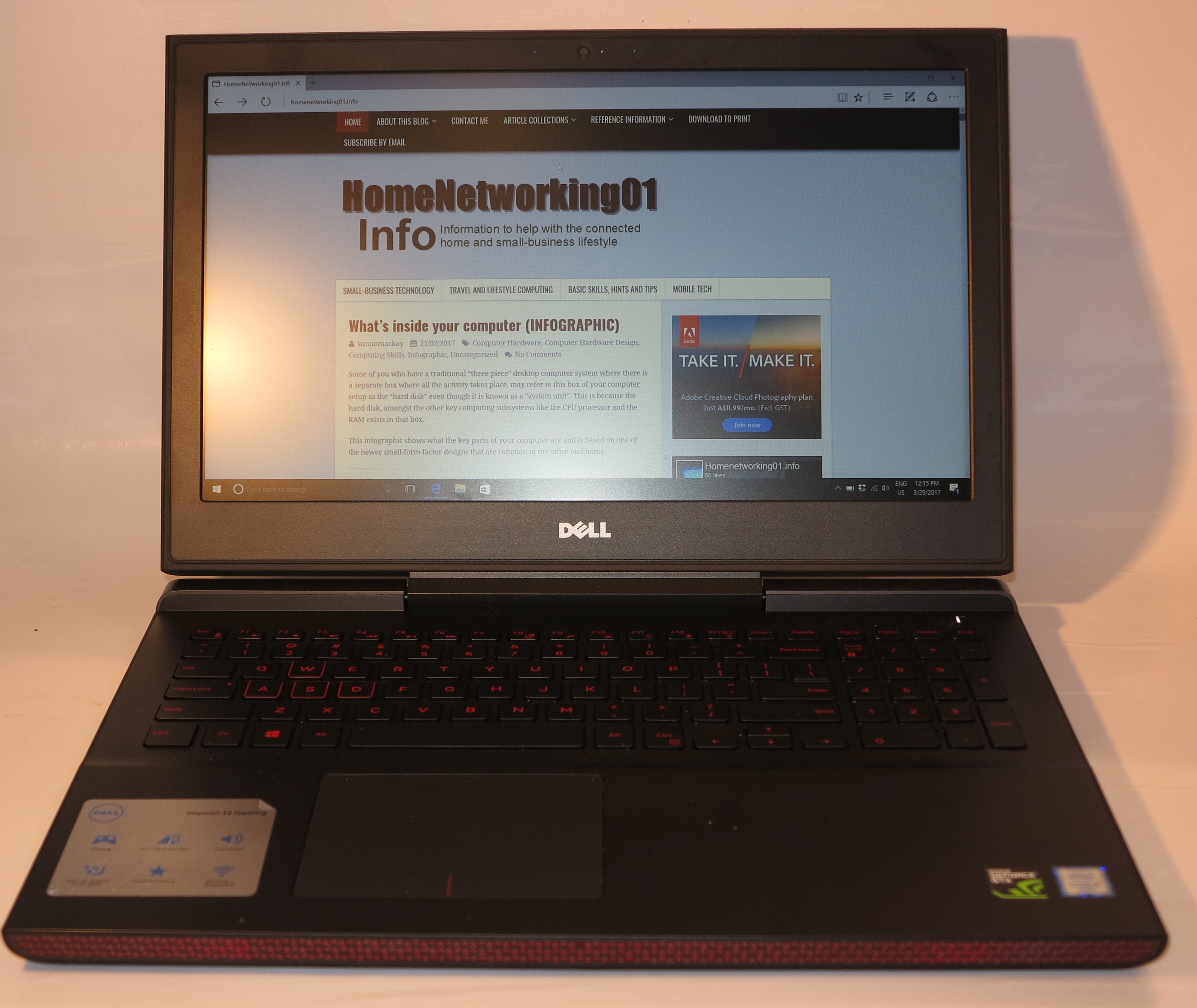
The Dell Inspiron 15 7000 Gaming laptop – a high-performance variant of the Dell Inspiron laptop computer lineup
This is in addition to mainstream consumer and business laptop variants that have been specified for performance like being equipped with high-performance CPUs and discrete graphics processors, along with plenty of RAM. The high-performance variants are typically identified as “gaming” or “workstation” packages but they still have the same conventional look as one of the regular mainstream laptops, perhaps with some detailing that underscores the performance.
These computers are portable computing’s equivalent of the high-performance variants of a vehicle builder’s common family-car products. Such cars are identified with names that have sport or GT connotations and are referred to as “sports sedans”, “hot hatches” or something similar. These cars are typically equipped with a high-performance powertrain and have exterior and interior detailing that conveys the sporting image.
Gaming laptops
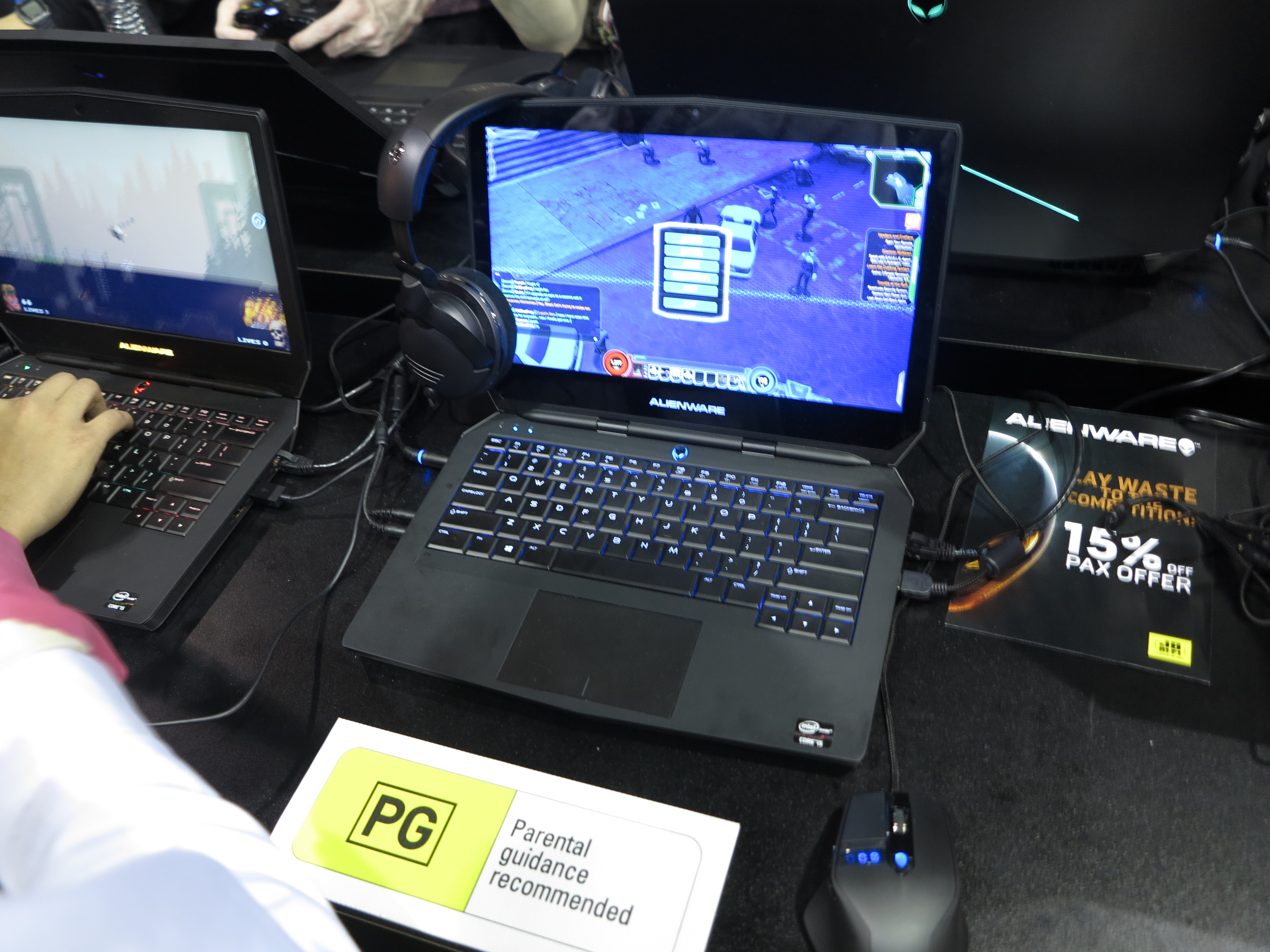
An Alienware gaming laptop that can benefit from the Alienware Graphics Amplifier expansion module
Gaming laptops are being pitched towards the young gamers who expect performance while they play the advanced games. They carry on from the “gaming rigs” – the aggressively-styled desktop computers that gamers tune up for performance during their gameplay.
They will have a highly-strung discrete graphics chipset integrated in to them, typically one of those GPUs that is tuned to work with fast-paced games. As well, they use extra RAM with this being in the order of 8Gb to 16Gb if not more, and a highly-powerful processor like the Intel Core i7 family. There will even be the ability to tweak more performance out of these components through the use of desktop software while they use high-performance hard disks or solid-state storage for their secondary storage. As for the screen, the size will typically range between 13” to 15” with the resolution being at least 1080p Full-HD quality.
Expect most of the gaming laptops to be designed to look aggressive because they convey the image of one of the American or Australian muscle cars that were popular through the late 60s to early 70s; or a car from one of Europe’s well-known sports-car marques. These were vehicles designed from the outset for high-performance driving.
Mobile workstations
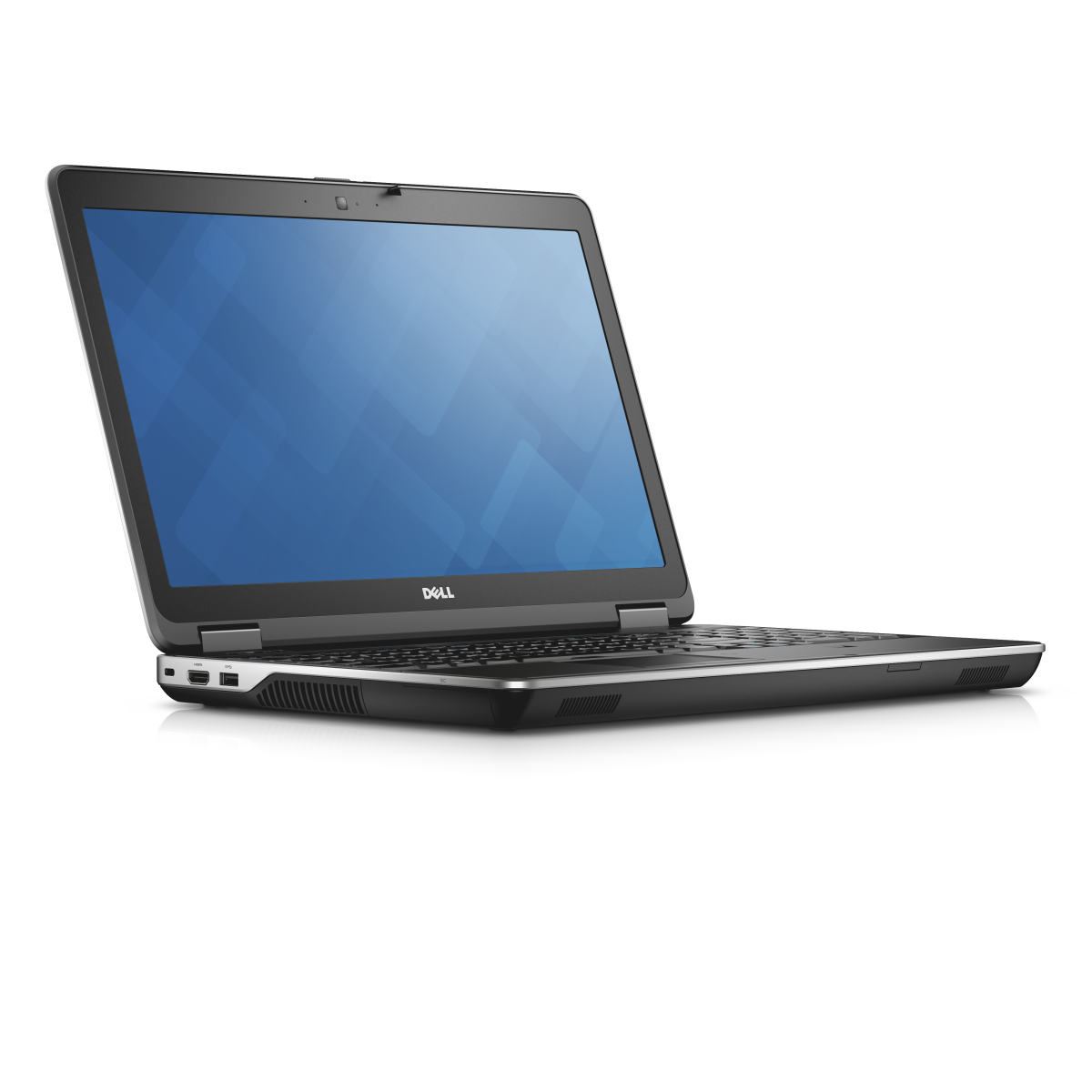
Dell Precision M2800 – a mobile workstation that also bridges performance and portability
This class of computer will typically be constructed for business performance and will have particular components that are designed to get the most out of a CAD, engineering, statistics, animation or similar highly-powerful business program. A significant number of these systems will be described as “certified” workstations in that they are certified by Autodesk or a similar software vendor to run their software reliably at best performance.
These business-class computers will be at least 15” with high-end business-focused discrete graphics and will use a processor like the Intel Core i7. The RAM memory will typically be at least 8Gb and using particular high-reliability chips while there is a high-performance hard disk and/or solid-state drive on board. Some of these systems will even be serviceable so that the components can be upgraded or replaced at will.
Some, if not most, of the mobile workstations may offer the features associated with a mainstream business laptop such as a fingerprint reader, a TPM module or manageability features. This is especially for those of us who are dealing with plans or blueprints that are considered highly-valuable intellectual property.
What to remember
Should I buy a laptop or a desktop computer?
This question will come up more frequently with those of us who are buying a computer as the main or only personal computer that we use rather a computer we intend to use as a secondary computer.
I would recommend purchasing a laptop or similarly-portable computer if you place emphasis on the portability factor.
For some of you, this may be about having to regularly store your computer away while it is not in use or to move it around the house as required. One of these situations is to use the dining table or kitchen bench as a desk, something you will be asked of if you live in a small home or apartment. It may also be about an aesthetic requirement to stow the computer away when you aren’t using it, even if you maintain a separate home office. This may be of importance where you expect to have your home office serve as a spare bedroom (think of that sofa-bed or something similar you have in there for guests), or you integrate your home office as part of a main living area.
On the other hand, you are taking your computer between two or more locations. For example, you have that “work-home” laptop that you use in the office then take home so you can do further work there. As well, you may be travelling a lot including frequently using public transport or using a café as your “second office” or “office away from the office”. It will also include those of you who are likely to live a nomadic lifestyle where you don’t expect to live at the same address for the long haul, such as people who are on work placements for example.
Setting up a dedicated workstation with your laptop
You can set up a dedicated workstation that is based around your laptop computer so you can work much better at your regular desktop working locations. This practice can work well with the mainstream laptops along with ultraportables and performance-grade computers where you expect to use these computers as a main-use or sole-use computer. It will also be of importance for those of you who have decided to move away from using a desktop computer as your main computer.
Typically, you establish this workstation by installing at least one larger monitor, along with a full-sized keyboard and a regular mouse on your desk and connecting them to the laptop computer. In this context, when you use a large monitor in this way, you may find yourself being able to use two screens (the laptop’s screen and the larger monitor) as a large display space. You may decide to add better speakers or connect the laptop to a sound system like that old hi-fi amplifier and those old speakers for improved sound reproduction while you could add extra local-storage opportunities like a USB hard disk or optical drive. As well, you may take advantage of a wired Ethernet connection for assured network-connection reliability. Then you disconnect these peripherals from your computer when you take it between locations.
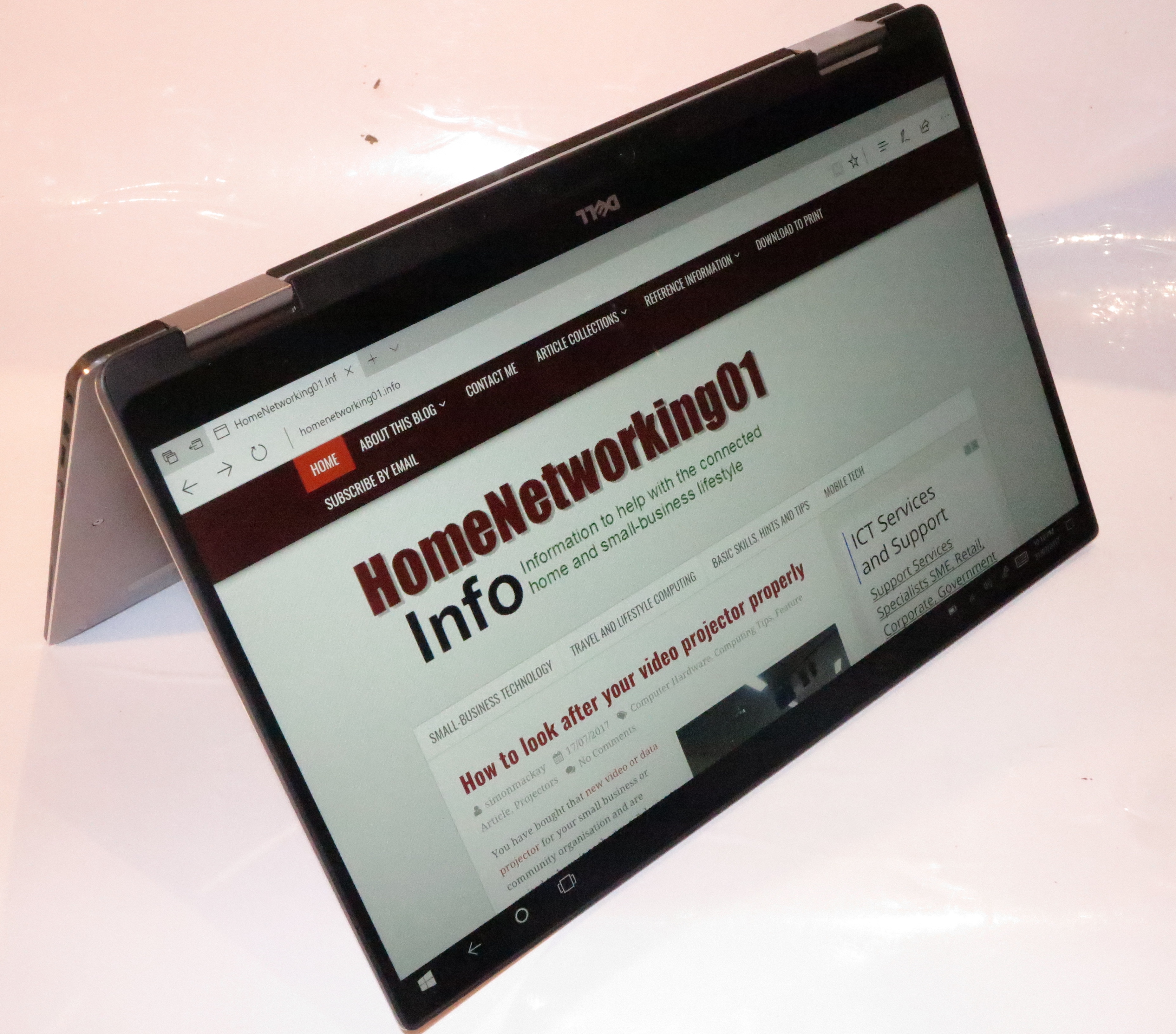
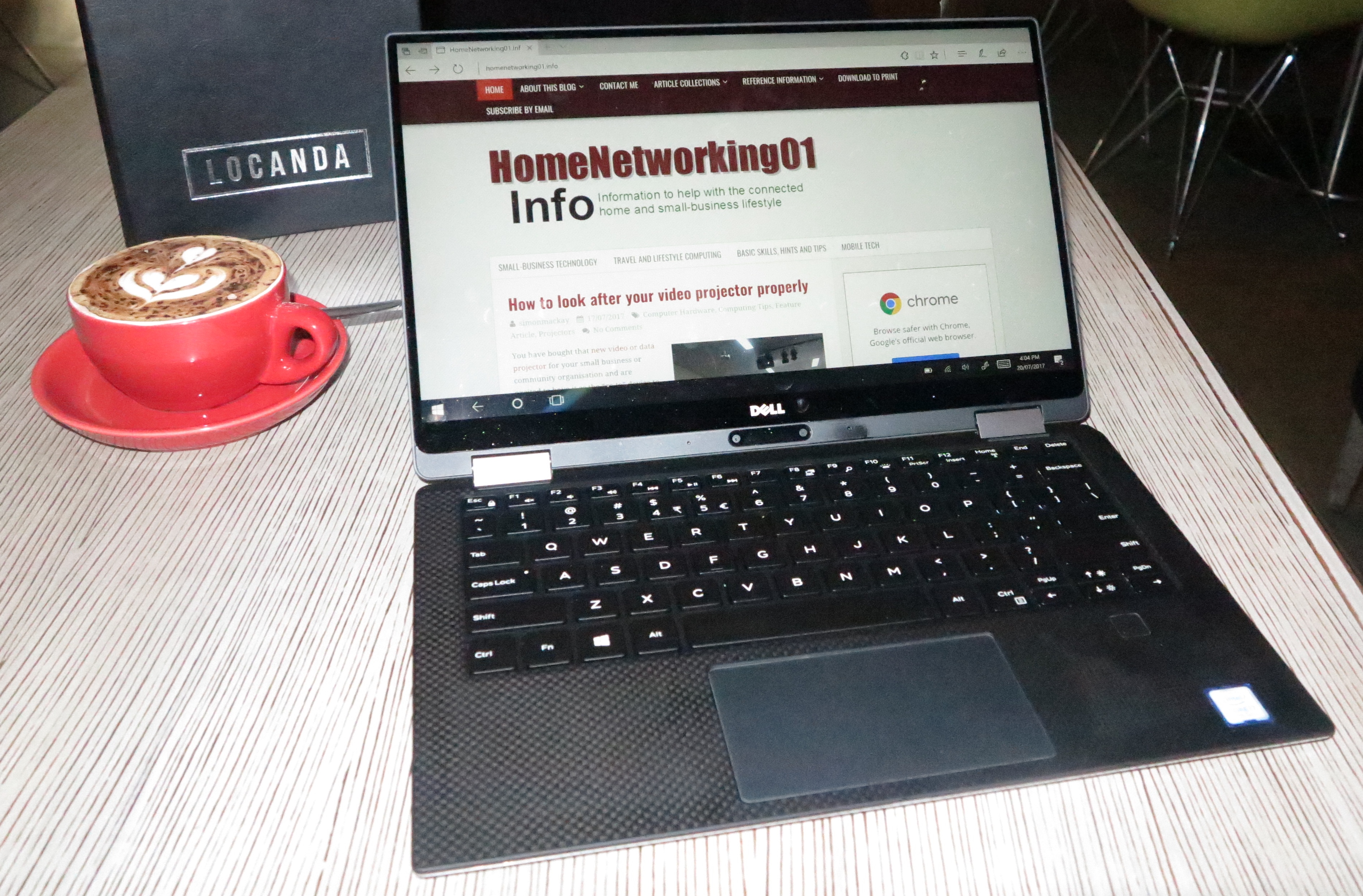
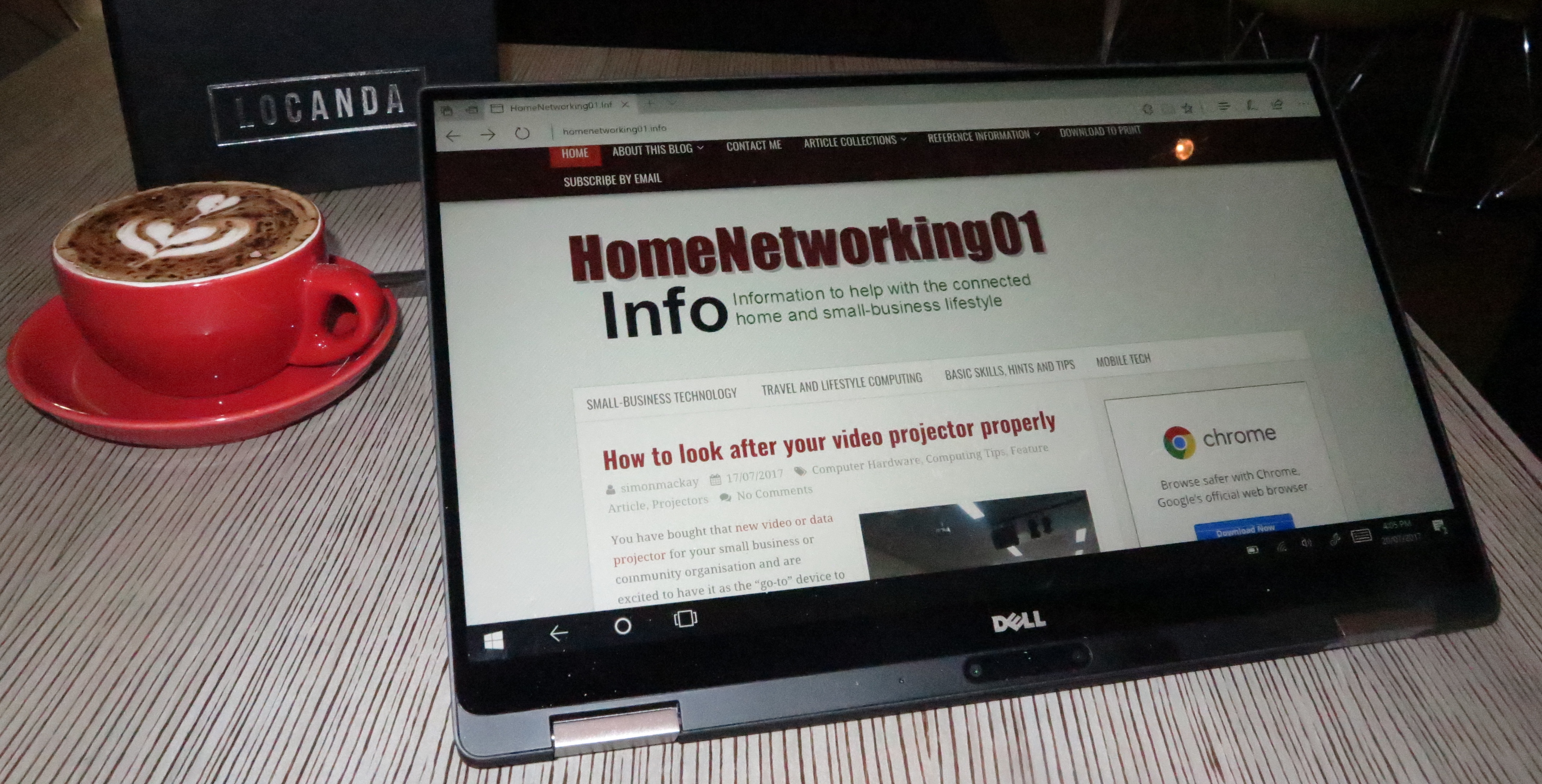
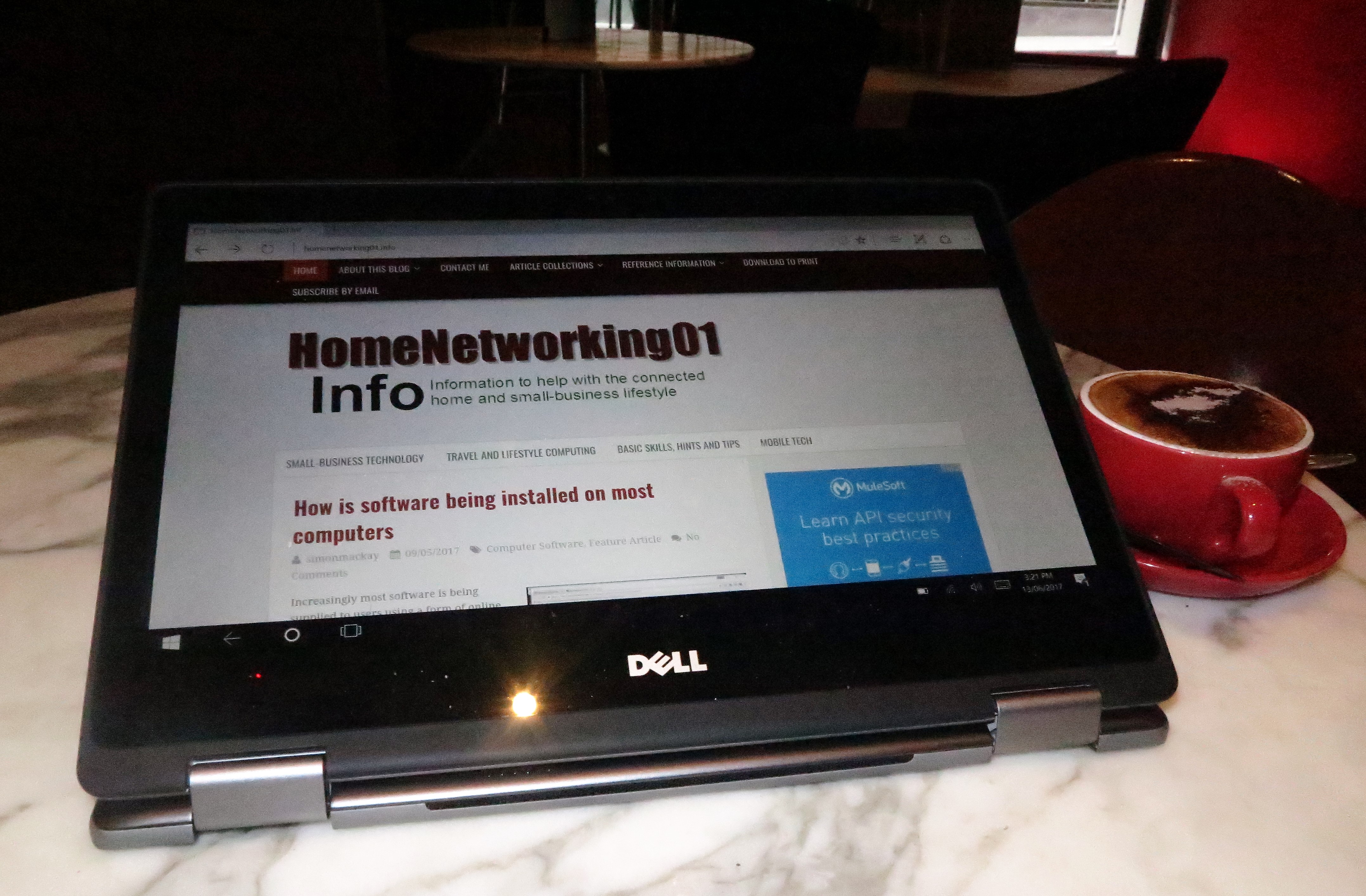
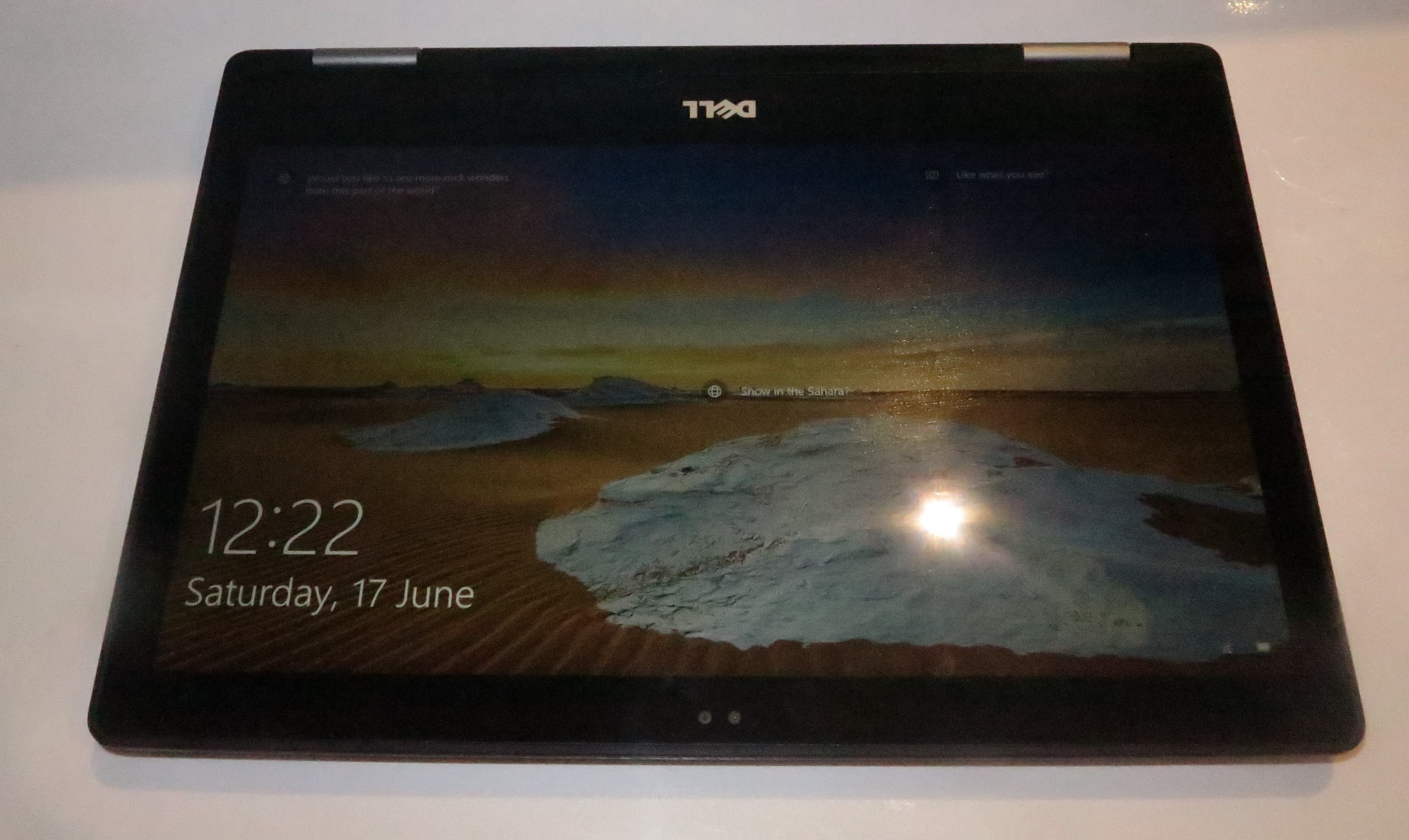
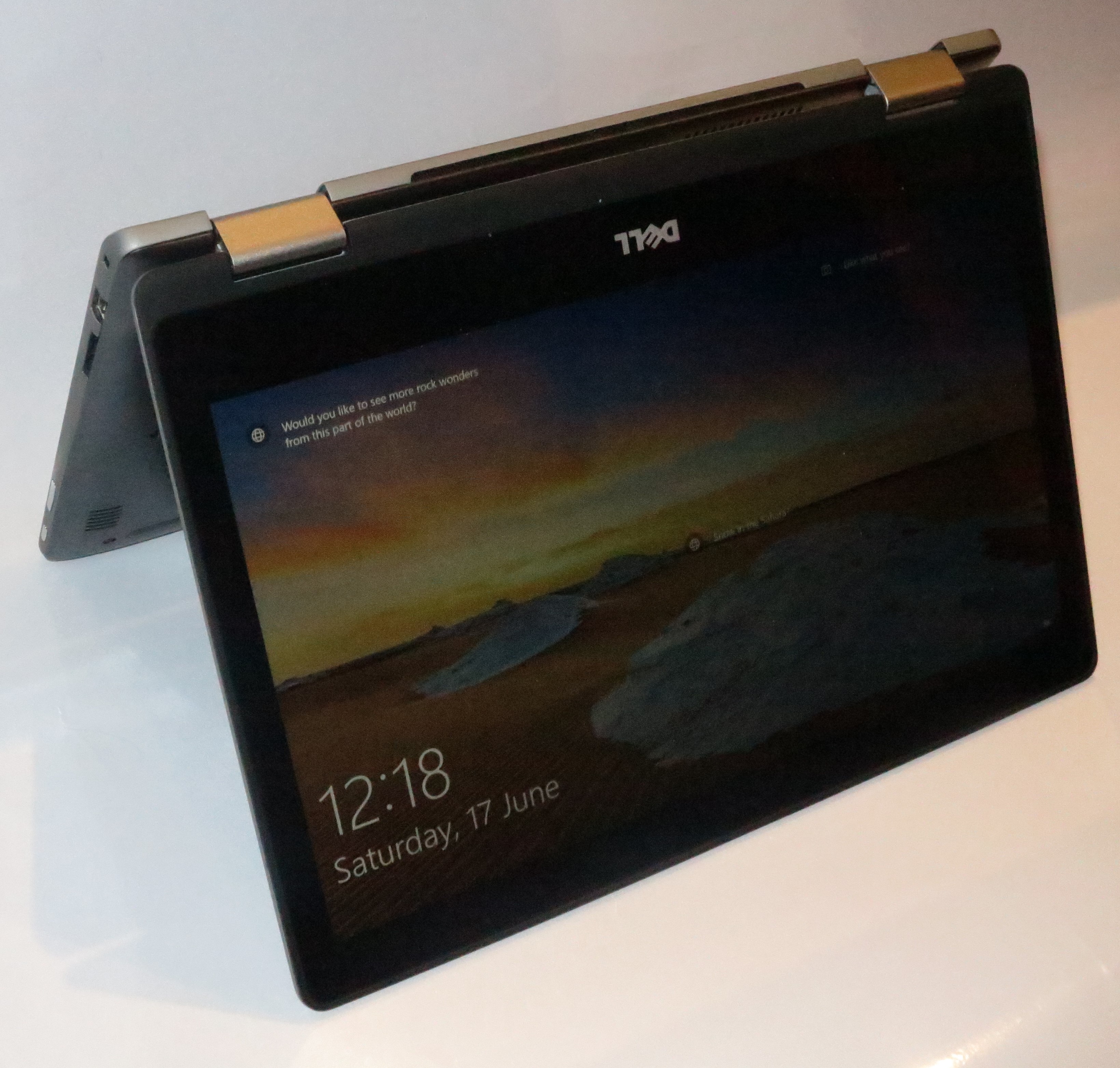
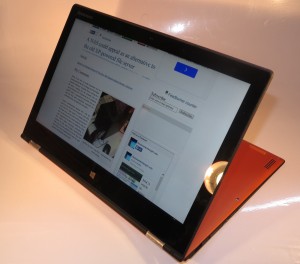
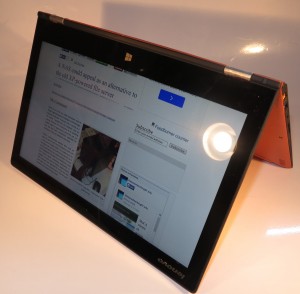
Tent mode – one way you could set up a 2-in-1 as part of your workstation
Some of you may use a bracket which allows you to hang your laptop computer so it becomes one of the screens in your multi-screen setup. Such brackets will typically anchor to your monitor so you effectively have a contiguous large-screen display and they can apply to the 13”-14” computers. Similarly, a 2-in-1 set up in a presentation-viewer or tent mode can provide a very similar experience.
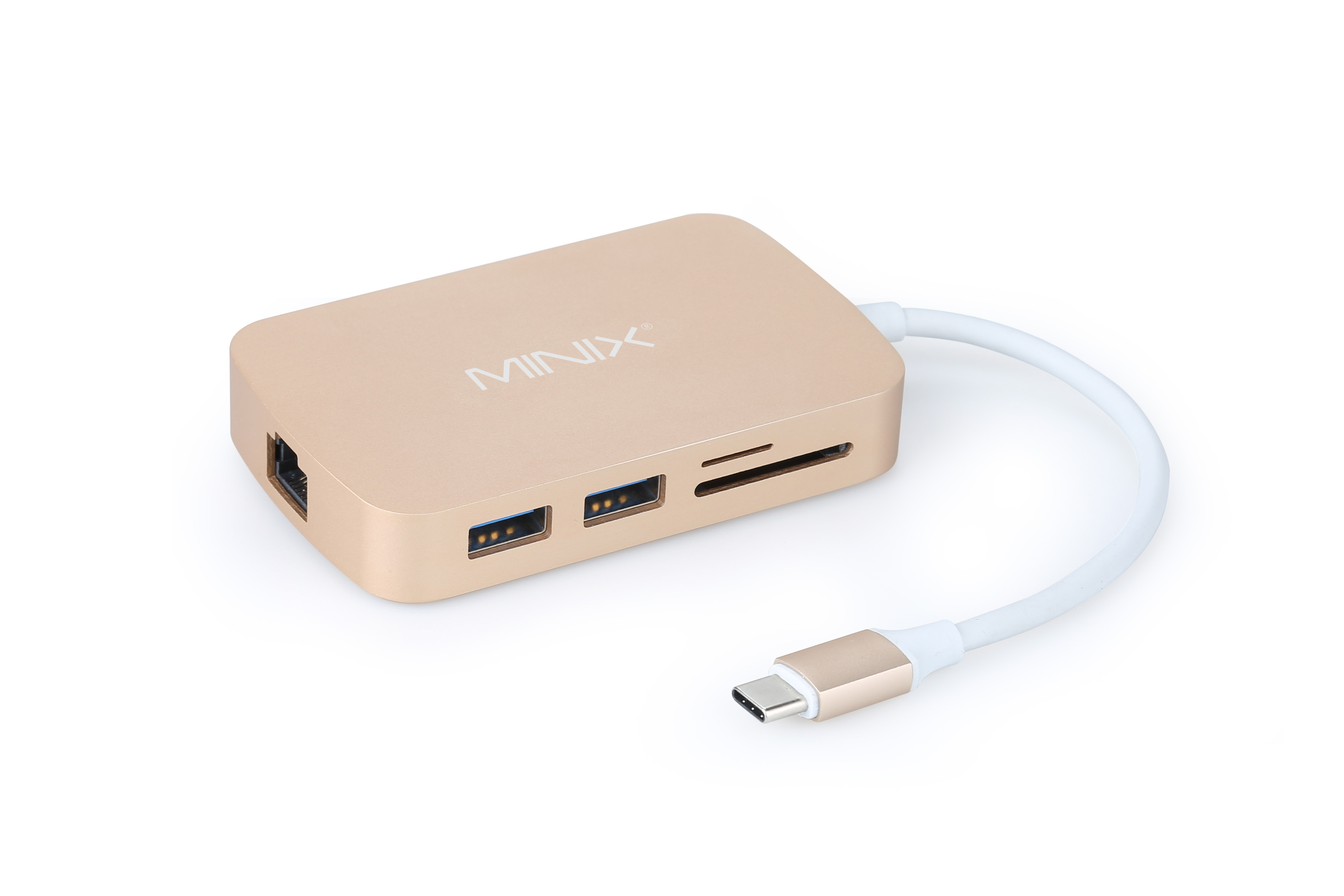
One of the docking stations or expansion interfaces that can be part of your workstation
Most of us would simplify this process using a docking station, which is a fancy name for an “expansion interface” module that simplifies how you connect these peripherals to your computer. Most of these devices simply plug in to a USB 3.0 port while the USB Type-C or Thunderbolt 3 port on newer equipment allows for a simplified high-speed data-pipe between the expansion module and the laptop computer. As well, an increasing number of these USB Type-C or Thunderbolt 3 docking stations also provide power to the host computer. It is also worth noting that some of the larger display monitors may offer the docking-station functionality as a differentiating feature where they have, for example, an integrated multiple-port USB hub. This can save on the cost of another docking station if you are buying that large screen as well if the screen offers the same kind of connectivity that you want.
You could set up one of these peripheral-based dedicated workstations for each regular workspace that you use with the ability to spend more on equipping the workstation you use the most with the better peripherals. As well, you could even get away with “pushing down” peripherals to less-often-used workspaces when you equip your main workspace with better peripherals. This is like what most people have always done with refrigerators or colour television sets where the newer better one ends up where they use it most while older units end up continuing to give service in secondary areas.
To gain best advantage out of these setups, it is a good idea to use a docking station to connect the wired peripherals to the computer. If your computer is relatively new and implements a USB Type-C / Thunderbolt-3 connector, make sure that the docking station has this same connection. If you have a Thunderbolt-3-equipped computer, you could use a USB-C dock as something to start with, then see a newer Thunderbolt-3-equipped dock as something to use in the main workspace.
As well, make sure you buy one with at least all of the connections that you need for your desk-bound peripherals. If you are thinking of using a wireless mouse or keyboard, look towards any of those input devices that use Bluetooth rather than a proprietary connection that takes up a USB connection for its receiver dongle.
The laptop computer as a secondary computer
There are those of us who may find that we can get by with two computers – a fully-specified desktop or large laptop that has all the performance and capacity we need as the primary machine; and an easy-to-transport laptop that doesn’t have all of the specifications but is capable of being a portable-use secondary machine. Examples of these would be the budget portables, most affordable 2-in-1s, or the lower-specified models in a manufacturer’s ultraportable lineup.
Here, we cam shift data and synchronise files between the multiple computers using shared folders on a NAS; a cloud storage service like Dropbox; removable media or sharing a “file-transfer” folder on one of the computers via your home network. As well, you can install on these computers a reduced complement of software that fulfills the essential tasks that you want to do on the road.
Thunderbolt 3 on this kind of secondary-use computer may also appeal to a range of users who may occasionally seek extra display performance from these computers and simply hook up an external graphics module for this purpose. This may be to turn out a “there-and-then” rough-edit of video taken during a location shoot that is part of your video project; or to “work through” a high-end game while on the road.
This kind of setup would appeal to those of us who want to do some computing work while away from our main home or office location, but keep that location as where you do most of your work.
Should I use a mobile-platform tablet or a laptop as my secondary computer?
Some of you may think that a mobile-platform tablet like an iPad or Android tablet is all you need for a secondary computer device, rather than you purchasing a laptop. The same question can also be raised by some people like those of the older generation who want to purchase a personal computing device like a laptop or iPad but don’t see themselves using it regularly.
This can hold true with those of us who do a lot of content consumption and create very little content while away from your main workspace. Examples of this may just be you writing a small amount of text such as short replies to email or writing up notes. But you may find that using a keyboard accessory like one of the many keyboard cases may have you able to create more content using a mobile-platform tablet.
It can also hold true if you do make use of software that is written for desktop (regular-computer) platforms. Here, the software that is written for these platforms comes with more abilities compared to similar software that is targeted towards mobile platforms and you will find yourself being able to work more productively with this software.
Here, if you are primarily doing activities like Web-browsing, viewing video content, playing casual games or answering a small amount of email, you may get by with a mobile-platform tablet. On the other hand, if you do frequent amounts of content creation including answering many emails or make heavy use of highly-capable regular-computer software, the laptop would earn its keep.
It is also worth noting that the “2-in-1” computer that can double as a laptop or a tablet may offer a bridge between these two conundrums. Most of these computers run Windows 10 and will run the commonly-powerful office software if you are thinking of using them to work on that magnum opus document, with the 13” varieties having a full-sized keyboard so you can type comfortably. This is while you can engage in social media with most of the social media platforms having their own Windows 10 apps.
Should I buy a gaming laptop or a mobile workstation as a high-performance personal computer?
Increasingly, most computer manufacturers are offering a range of high-performance computers in their product lines, whether as performance-optimised variants of their mainstream products or units designed from the ground up as gaming laptops or mobile workstations.
But you may be dabbling with high-end games, or high-end-graphics and video work and are considering this kind of equipment. What kind of high-performance computer should you really go for?
Those of us who are working with high-end games or are doing video editing, computer graphics or animation as a hobby may find that high-performance mainstream laptops or gaming laptops may be the way to go. It can also apply to students who are putting their foot in the door when it comes to architecture, engineering and allied courses. You would be on a winner if the computer you are after is equipped with a Thunderbolt 3 connector because you could buy an external “card-cage” graphics module and a CAD-grade high-performance desktop graphics card at a later state when you can afford it.
On the other hand, a mobile workstation would earn its keep when you head full-time in to the world of advanced graphics, especially if you are using the computer as your “axe” to make regular money.
Which system for whom
Expected computer role
Main or sole computer
You may be upgrading your main “workhorse” computer and wanting to use something a bit more portable. The system could be your “main” computer that you use in your primary working area while you use another computer as your “on-the-go” secondary computer. Or it could just be your only computer that you have.
Here, I would recommend a mainstream laptop computer or, if you can afford something more luxurious, an ultraportable if it’s your sole computer you are taking with you a lot or a high-performance machine for other situations. In all cases, place emphasis on the computer’s storage capacity and RAM memory and buy a system with as much of this as you can afford. You may find that if you are saving towards your computer, a stretch goal you could apply is for a machine that has more RAM or storage capacity than what you initially budgeted for.
Those of you who make light use of a computer like using it just for Web surfing, online communication (email, Social Web and some Skype) and some word-processing may find that you can get away with one of the entry-level laptops. The word-processing application may be the deal-maker that has an entry-level computer overtake an iPad or similar tablet especially if your idea is to create a memoir or some other magnum opus. It can also apply if you are wanting to head towards creating that small-time Website or blog. This is because of these computers having a keyboard more conducive to this activity and being able to run a fully-fledged word-processing or similar program.
Some of you may find that you may not be able to have a lot of storage on your main or sole computer, such as if you are on a budget and are buying a low-tier laptop, or are buying that ultraportable because of your travelling. In this case, I would make sure that the computer you are getting is equipped with at least one USB 3.0 Type-A port or a USB-C port and purchase a high-capacity USB hard disk as a data-offload solution.
Secondary computer
If the laptop or other portable computer you are buying is simply something you are intending to use as a supplementary computer while you keep using your main computer, you may be able to look at different factors here.
In most cases, you may be considering this computer for use while you are travelling while your main computer stays at home or in the office. Here, you place importance on the portability factor. This is where you could consider an ultraportable computer, whether in a clamshell or 2-in-1 form. If you are on a budget, you may find it worth looking at one of the entry-level 14” variants powered by a low-end processor. In this situation, you can skimp on storage capacity if you are sure you can offload data to your main computer.
Some of you may use a secondary laptop at home, perhaps as a “family computer” that you can store away when it isn’t used. Similarly this would be a laptop computer that you may give to your “better half” as a gift and have them keep their data on it. In the same context, you may be considering a “private” computer that you use for your personal data so you don’t store any of it on your business computer. This is more so for those of you who have your laptop supplied and managed by your workplace or rent or lease the IT your small business needs on an ongoing basis.
Here, most mainstream computers with modest specifications may answer your needs. If you are expecting it to be a personal alternative to that “work-home” laptop, you may then have to place emphasis on storage capacity for this application.
Particular usage cases
Highly nomadic user
There are some users who will have a “sole-use” laptop computer but are likely to move between many different locations. These may range from people working in the merchant navy or on oil / gas rigs where they are likely to spend a significant amount of time on that ship or rig; through people who are engaged in placement-based work where they are never sure if they will be in the same work location; to students who are mainly living in temporary accommodation like college dorms / residence halls or short-let housing.
Here, the laptop computer can suit your needs very well. At the moment, most mainstream computers would suit your needs especially if you find that they offer a large amount of storage. This is important for you because you may end up piling music, photo and video content on the hard disk before and during your travels. If you are a gamer, you will most likely be storing all the data related to the games you regularly play, be it the game files or information about your progress in that game.
You may be interested in the high-performance variants like the Dell Inspiron 15 Gaming that I previously reviewed if you value performance for gaming or entry-level workstation tasks.
If you are expecting to transport your computer around your destination location such as, for example a college student living in a college dorm who then takes the computer between classes, the library and the dorm, you may want to consider an ultraportable laptop or a 13”-14” mainstream laptop. Such systems can easily be stored in a backpack or other day luggage without taking up much room and they are relatively light compared to the traditional 15” mainstream laptop.
The use of a small-sized high-capacity USB external hard disk may satisfy your needs if you have to buy a computer that doesn’t have enough storage for your needs such as an entry-level laptop. Here, you can easily stow this hard disk in your luggage without it taking up too much room if you need to transport it. This hard disk can simply serve as a backup or offload storage device while you keep what you are working with on the laptop’s own storage.
Similarly, having a computer that implements the Thunderbolt 3 connection and works properly with the external graphics modules can appeal to this class of user.
Work-home use
A more common scenario for those of you who regularly work away from home is to take the same computer between your home and your workplace. Some of you may also be likely to use this same computer for your personal computing needs.
Here, consider the purchase of a mainstream business laptop with as much RAM and capacity as you can afford. The 13”-14” varieties appear as a sweet spot for portability if you use it on the go, but you may have to look at an ultraportable if you are travelling a lot with it.
They also benefit from the “dedicated workstation” approach and should have at least a USB 3.0 port. Personally, I would even go towards a computer with at least a USB-C or Thunderbolt 3 port, then use a dock with a similar connection and the desirable peripheral connections for your main workspace.
Conclusion
The first thing to be sure of when you buy a laptop computer tis that you are buying the right unit that suits your usage requirements.
Here, this is about making sure you have a computer that has the right amount of horsepower, storage space and RAM capacity to suit your needs yet is light enough for the portability that you need out of it. For those of you buying a computer for your business needs, you also need to be sure that you aren’t being forced to buy the more expensive overspecified model that can end up being complicated to deal with.